16
4.2 Selection of functioning mode
According to the functioning mode selected, the CAR
V2
performs the requests of the user, displaying the results
on the display.
By turning the main selector (ref. 1 Fig. 2-2) the following
functions can be selected: Stand-by/Anti-freeze, Summer,
Winter, Cooling.
Note: the room anti-freeze function is active in the following
modes: antifreeze, summer, winter.
• Off mode. The room anti-freeze function is not
guaranteed in this mode (the boiler anti-freeze function
remains active). e CAR
V2
is o but remains powered
and therefore the times and programs remain memorised.
4. STARTUP
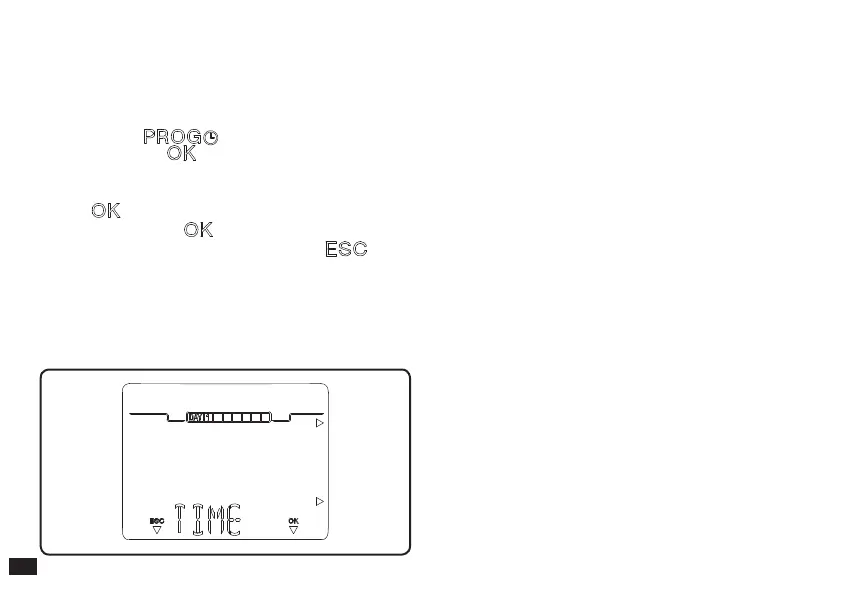
4.1 Programming current day and time.
Switch the remote control on by turning the main selector
onto one of the functions available.
Press the button to enter time and current time
mode and press the button to modify the settings.
On entering the programming mode, the time starts to ash.
Modify the hour and minutes by pressing the + / - buttons
and the button to conrm. Select the day of the week
and conrm using the button.
Once regulation has been completed, press the button
to escape the regulation mode.
Fig. 4-1



 To Next Page