9-27 Specifications
9
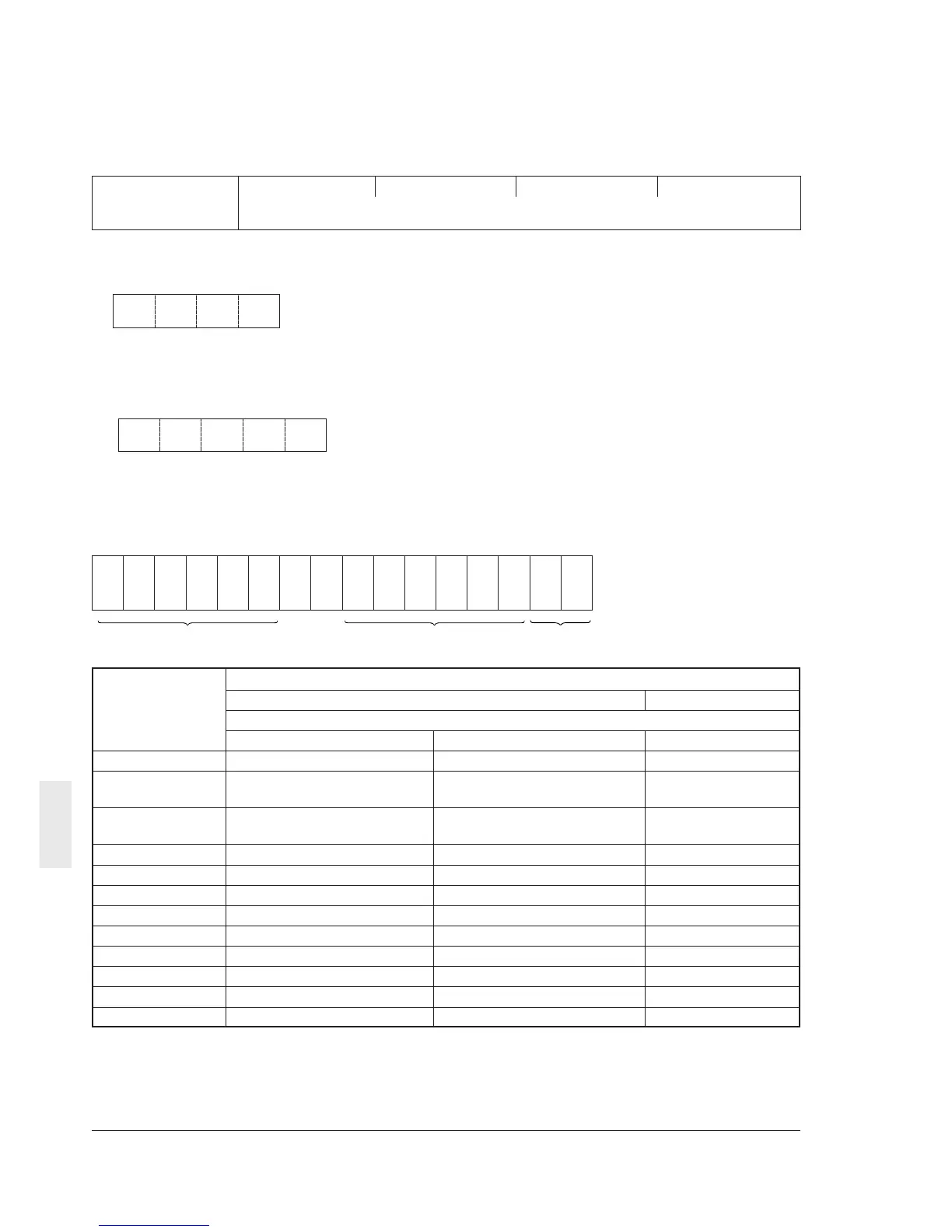
(11) Data format 11
16-bit binary code, least increment 0.01,
positive/negative data (5-byte ASCII code)
ASCII code
4-digit hexadecimal data➾ 4-digit ASCII code
(of minus sign
191817161514131211109876543210
Example: In the case that M09 (output frequency) = +60.00 Hz
60.00 ¥ 100 = 6000 (dec.) = 1770 (hex.), hence:
➾
Positive data is handled in a 4-byte ASCII code similarly to data format 0.
• In the case that M09 (output frequency) = -60.00 Hz
60.00 x 100 = 6000 (dec.) = 1770 (hex.). An ASCII code of the minus sign is added at the top.: -1770
➾
(12) Data format 12
Data format for P04, A13 (auto tuning)
1770
– 1770
1514131211109876543210
000000 000000
**
REV
FWD
Unused (fixed to “0”) Unused (fixed to “0”) Data field
Communication H30 setting
data 0 or 1 2 or 3
(P04 or A13) Operation command
Keypad panel Terminal block RS485
0000H ACK: However, no operation ACK: However, no operation NAK
0100H NAK NAK ACK: However, no
operation
0200H NAK NAK ACK: However, no
operation
0300H NAK NAK NAK
0001H NAK Note 1 NAK
0101H NAK NAK Note 2
0201H NAK NAK Note 2
0301H NAK NAK NAK
0002H NAK Note 1 NAK
0102H NAK NAK Note 2
0202H NAK NAK Note 2
0302H NAK NAK NAK
Note 1: Tuning is started upon a terminal block
operation command. After tuning is completed,
an ACK response is given. (The ACK response
is given before the terminal block is turned off.)
Note 2: After data is written via RS485, tuning
is started. After tuning is completed, an ACK
response is given. (The operation command is
automatically turned off.)



 To Next Page