4-3 Keypad Panel
4
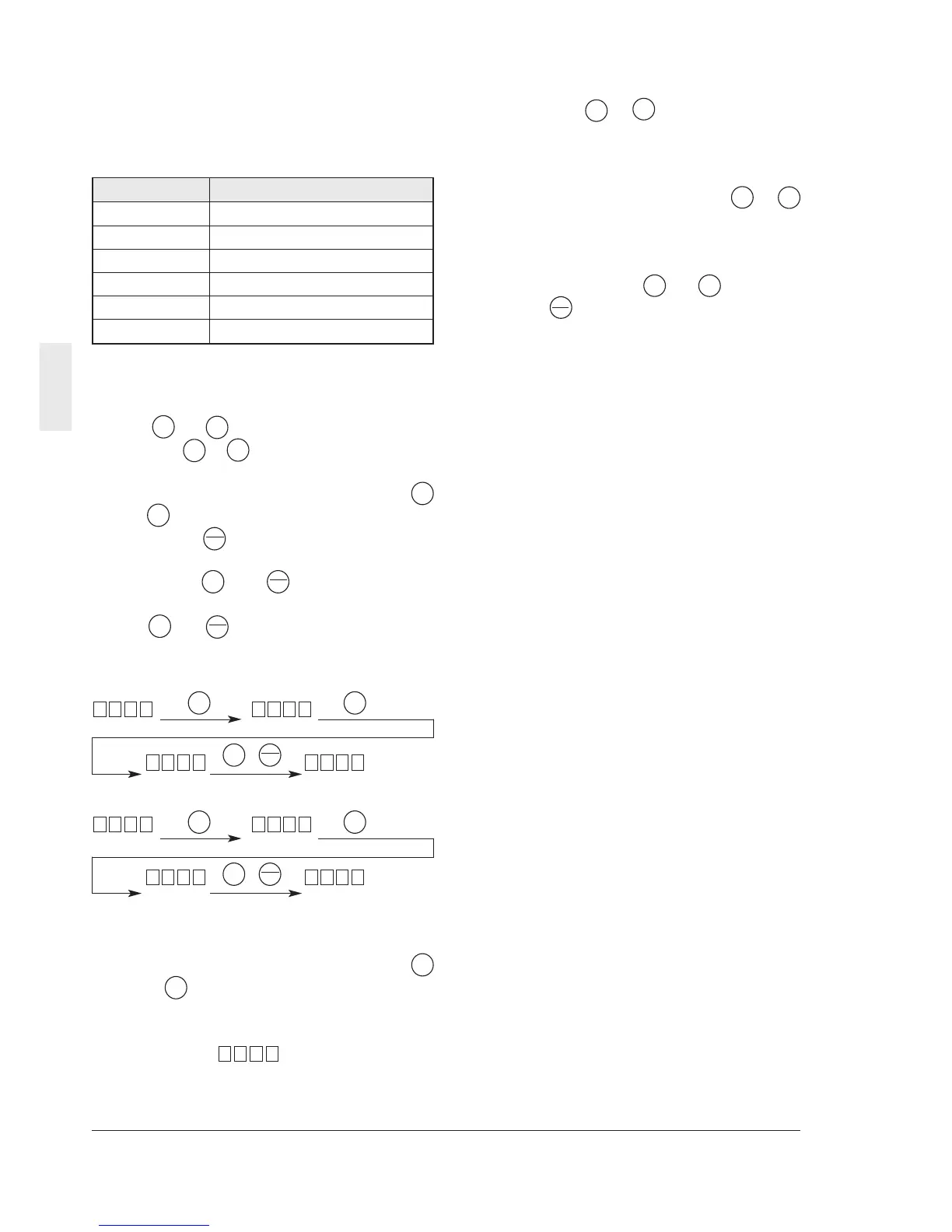
(5) Changing the function code
The function code consists of an alphabetic
character and a numeral. The alphabetic
character is defined for each of the function
groups.
Table 4-1-1 Major groups of function codes
Function code Function
F00~F42 Fundamental functions
E01~E41 Extension terminal functions
C01~C33 Control functions of frequency
P01~P10 Motor parameters
H01~H46 High performance functions
A01~A19 Alternative motor parameters
The function code changes each time
the or key is pressed. (Press and
hold the or key to continue to change
the function code.)
While pressing and holding the i
or key during function code change,
press the key to change to the next
group with another alphabetic character.
(Press the and keys to jump to the
top of the F, E, C, P, H or A code, or press
the and key to jump to the last of the
F, E, C, P, H or A code.)
Changing example:
+
+
4-1-1 Upon an Alarm
When an alarm occurs, the description
of the alarm is displayed. Press the i
or key during alarm display to display
the latest three alarms.
To display previous 4 alarms, select
function (Refer to H02 Trip
history.)
20H
24E13C
23C33C
10E20F
10F00F
4-1-2 Digital Frequency Setting Method
Press the or key at the operation
mode screen. The LED display changes
to the frequency setting, and the data
increases or decreases in the unit of the
least increment first. While the or i
key is held down, the changing digit
moves to the upper order for fast
changes. Further, while pressing and
holding down the or key, press
the key to increase the changing
speed further. No special operation is
necessary to store the new frequency
setting. The setting is automatically
stored when the inverter is turned off.
FUNC
DATA
V
V
PRG
RESET
PRG
RESET
PRG
RESET
V
V
V
V
V
V
V
PRG
RESET
V
VV
V
V
V
V
V
V
V
PRG
RESET
V
V V



 To Next Page