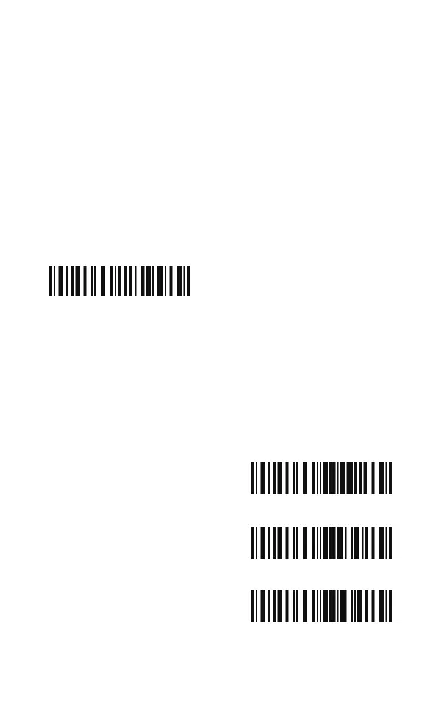
1.5 Scan Modes
Three kinds of scan modes are supported by the BCST-10 Barcode
Scanner:
1.5.1 Manual Mode
By default, the scan mode is set to Manual Mode. If the user keeps
press the Scan Key, the BCST-10 Scanner will emit a red light line.
This indicates the scanner could scan, the scanning will not stop
until the scanner under the following situation.
* Read a barcode successfully;
* Release the Scan Key.
Manual Mode
Enter Setup
Exit with Save
Exit without Save
19



 To Next Page