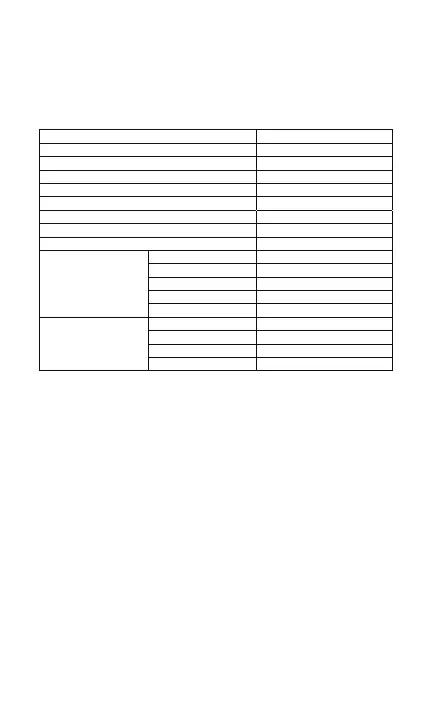
1.6 Symbologies Supported
Most of the popular barcode symbologies are supported by the
BCST-10 Scanner, as listed below. Refer to Chapter 4 for details of
each symbology.
1.7 USB Wired Data Transmission
BCST-10 Barcode Scanner support USB Data live transmission. The
user just need connect one end of the USB cable to a device with
USB2.0 port, and the other end to BCST-10, open a textbox, it will
enter data transmission. USB wired transmission is the prior
transmission mode.
22
Symbologies Supported: Enable/Disable Pre-Set
Codabar
USPS
Code 93
Disable
MSI
Code 128 Enable
Enable
Enable
Enable
FedEx
Enable
UCC/EAN-128 Enable
Code 39 Enable
EAN-8 Enable
EAN-13 Enable
UPC-A Enable
UPC-E Enable
Enable
Enable
EAN/UPC
ISBN Disable
Industrial 25 Disable
Interleaved 25
Standard 25
Code 2 of 5
2/5 Matrix Disable



 To Next Page