36
2.4.1 One-click Android Connection
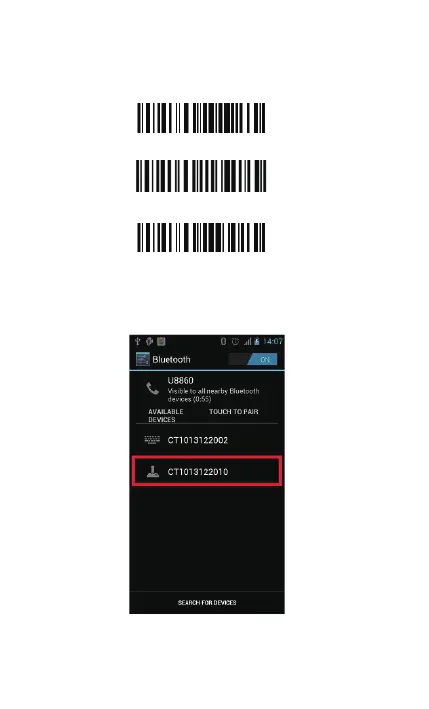
1. Turn on BCST-10, read the following barcodes continuously
2. Bluetooth Pairing
Turn on Bluetooth in your android device, search CT******** in
available devices, and click.
It will popup Bluetooth pairing request dialog, input the PIN code
10010.
One -click android connection
Enter Setup
Exit with Save



 To Next Page