35
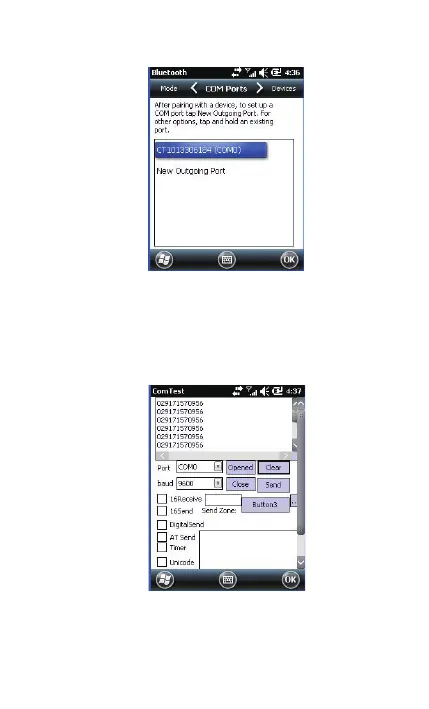
8. Enter serial port application, choose the port number you just
set, click [open]. The BCST-10 Scanner respond with two short
beeps, and the indicator is flashing blue (On/Off ratio 20ms:3s),
indicating the connection between PDA and BCST-10 is
established successfully.



 To Next Page