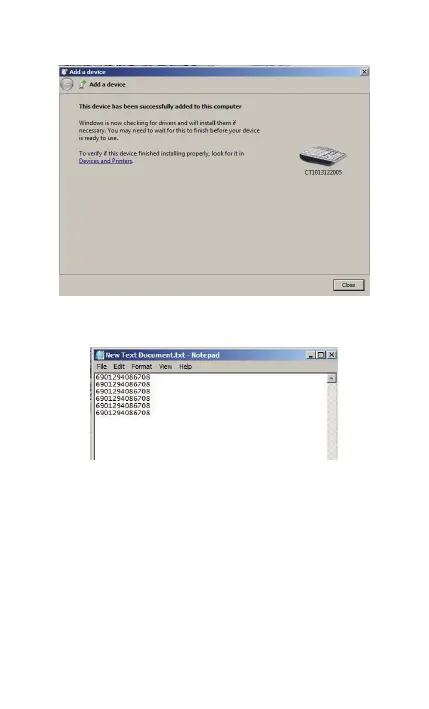
You can open a editable textbox (Notepad, word etc.), and
read the barcodes.
(Note:After pairing successfully, open Bluetooth Chat, then
you can read the barcodes in SPP mode.)
Now, you click ‘Show Bluetooth Devices’, you can find the
BCST-10 in Devices and Printers.
29



 To Next Page