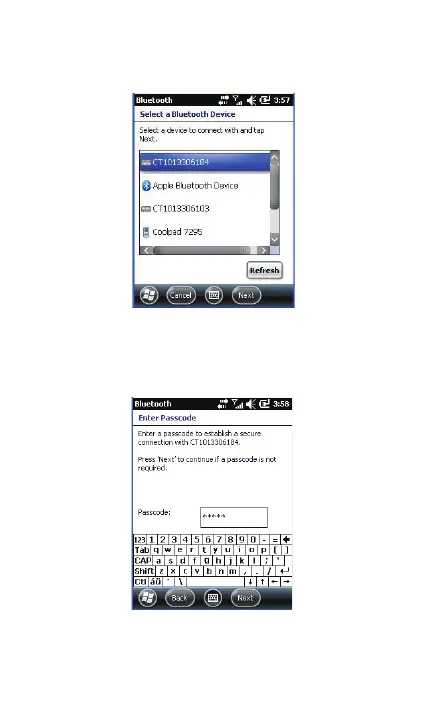
4. Choose "CT********", click [Next].
5. Enter the PIN Code. When setting up a BT connection, if you
choose "The Default Value 1", input 10010; If you choose "The
Default Value 2", input 40510; if you specified a unique PIN code
on your own, input it. Click [Next].
6. Click [Finish]. Click [New Transmit Port] in [COM port].
33



 To Next Page