41
3. Active or Hide the Input Method
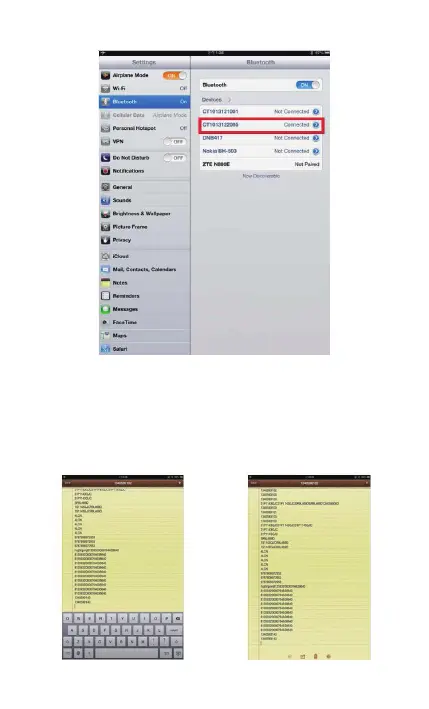
During the scanning, you may use the soft keypad if you want to
add remark information, you just need double click Power key
quickly, it will active the soft keypad. If you double click Power
key quickly again, the soft keypad will hide. It is shown as
following:



 To Next Page