7-25
MAINTENANCE
© 2020 Indmar Marine Engines
Overfilling the transmission with fluid will cause the seals to leak,
and eventually lead to overheating. When there is too little fluid,
over-heating will result.
If transmission service is required, note the Serial Number of
the transmission stamped onto the ID plate on the top of the
transmission housing. It is good practice to note the serial number
and keep it with other owner related information.
Checking/Adding Transmission Fluid
!
CAUTION
Transmission fluid may be hot.
OTE: N Refer to page 7-26 for correct transmission and fluid
capacities for your model of transmission.
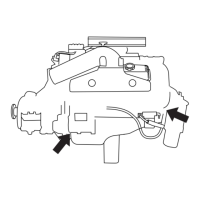
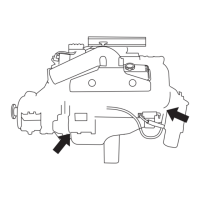
Checking Fluid – Shifting Portion – Red Dipstick
1. Start the engine and let it come up to operating temperature
(160°F).
2. Shift the transmission to FORWARD and back to NEUTRAL,
and then to REVERSE and back to NEUTRAL. Shut the
engine off.
3. Within 30 seconds of engine shutdown, remove the dipstick
from the shifting portion of the transmission, wipe it clean and
place the dipstick in the transmission. Do not thread it in.
4. Remove the dipstick and check the fluid level. The level should
be between the two marks on the dipstick.
5. Adjust the fluid level as needed.


 To Next Page