sales@romanoff.com | www.romanoff.com
4.5 Front panel display
4.5.1 MC60V screen when starting the machine
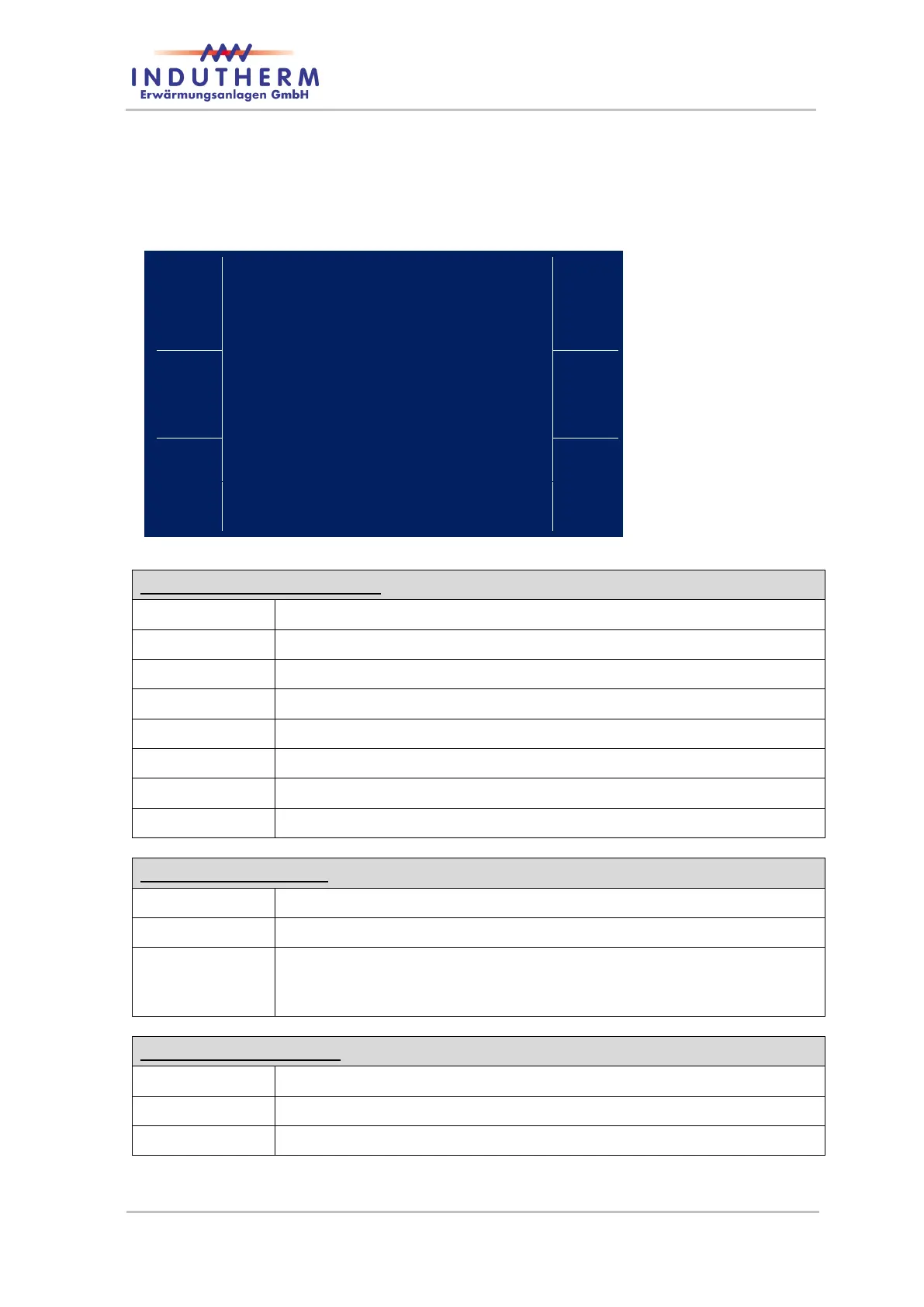
Figure 4: screen
with mains supply
on
inner area: ac-
tual values
Display in the middle section:
actual crucible pressure (-1 to 2.0 bar)
actual heating power in kW
maximum heating power in kW
Rise the set temperature even within a program.
Lower the set temperature even within a program.
Changes display to achieve temperature or power controlling. Power
can be adjusted from 0.0 to 3.5 kW in 0.2 kW steps. Temperature can
be adjusted from 10 to 1300 °C independently from program setting.
Go to the next program (here program 19).
Go to the next program one place lower (here program 17).
Level to modify the selected program (here program 18).


 To Next Page