EasyManua.ls Logo

Indutherm MC60V - MC60 V Modify Program Screen

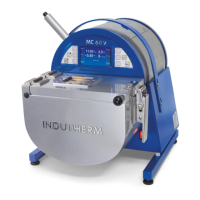
Indutherm MC60V
65 pages
Print Icon
To Next Page IconTo Next Page
To Previous Page IconTo Previous Page
Loading...
System
description
sales@romanoff.com | www.romanoff.com
2019-01-08
46
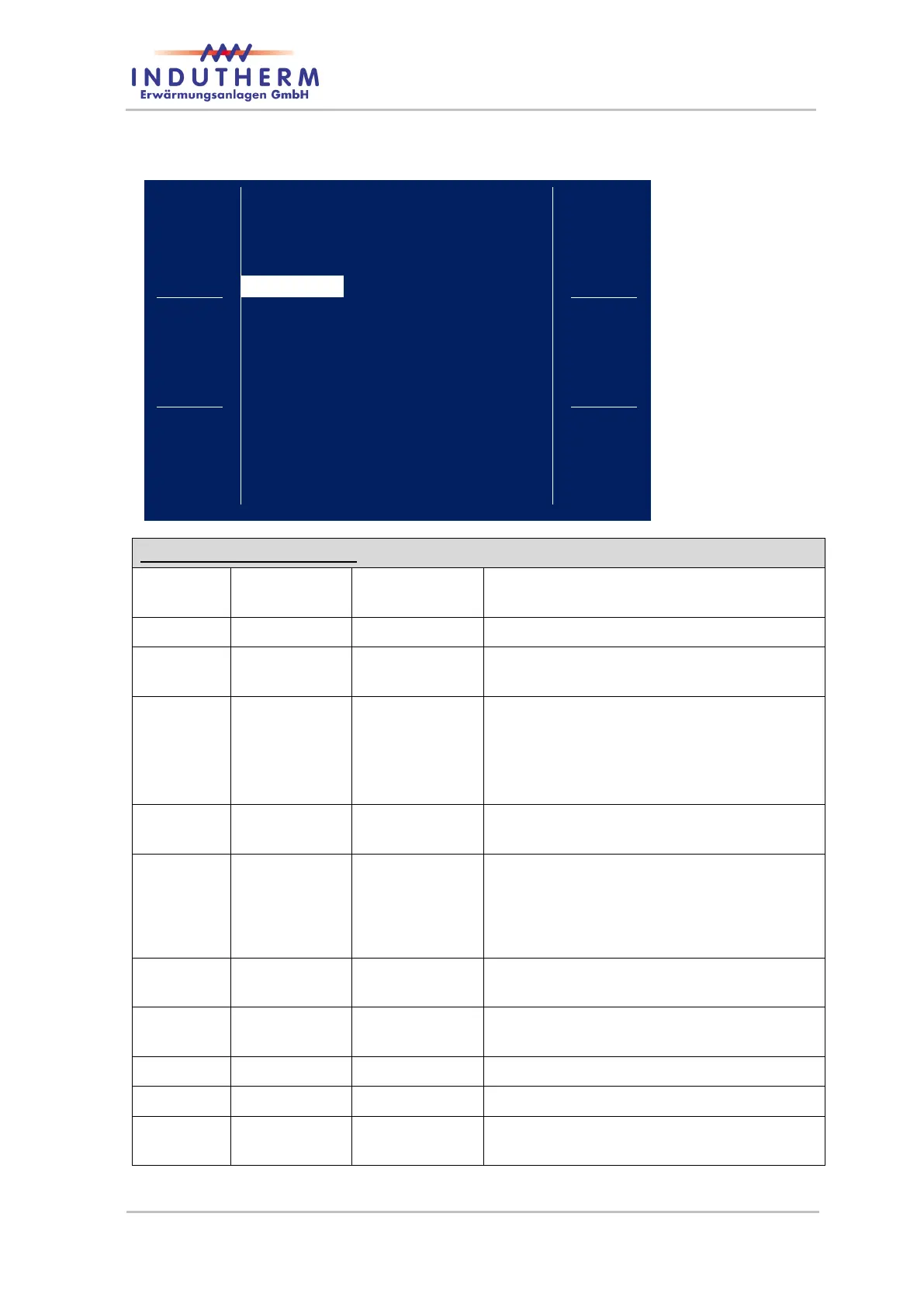
4.5.2 MC60V modify program screen
Figure 5: program
parameter
middle section with
program parame-
ter
Outer area with
choice
Display in the middle area:
0018
Program
InduTest 1
‘0’…’19’
Selected program to modify.
0010 °C
Temperature
‘10’…’1300’ °C
Set temperature inside the crucible.
0100 %
Heating
power
‘1’…’100’ %
You can reduce heating power here.
0000
Washing be-
fore heating
‘0’…’5’
Washing cycles before heating (starts with
vacuum, then backfill to 0.0 bar with pro-
tective gas). Number displays the cycles
that will be done. It is recommended for
palladium alloys (very reactive).
0000
Washing
while heating
‘0’…’5’
Washing cycles during the machine heats.
Manual
Melting pres-
sure start
Automat.
Melting pressure starts after the washing
cycles.
Manual
To start pressure, you need to press the
start button again.
-1.0 bar
Melting pres-
sure
-1.0’…’0.0’ bar
Melting pressure set value in chamber
during heating.
2.00 bar
Casting
pressure
-1.0’…’2.0’ bar
Casting pressure set value.
0020 s
Vibration
‘0’….’60’ s
Vibration time in seconds
Label
[InduTest 1]
‘a-z, A-Z, 0-9’
Here you can change the name of the
program.

0018
Program InduTest 1
Λ
+
0010 °C
Temperature
0100 %
Heating power
0000
Washing before heat
0000
Washing while heat
V
Manual
Melt. press. start
1.0 bar
Melting pressure
2.00 bar
Casting pressure
0020 s
Vibration
Label
[InduTest 1]
Main
Page
Page

Table of Contents