17
Problem Solution Result
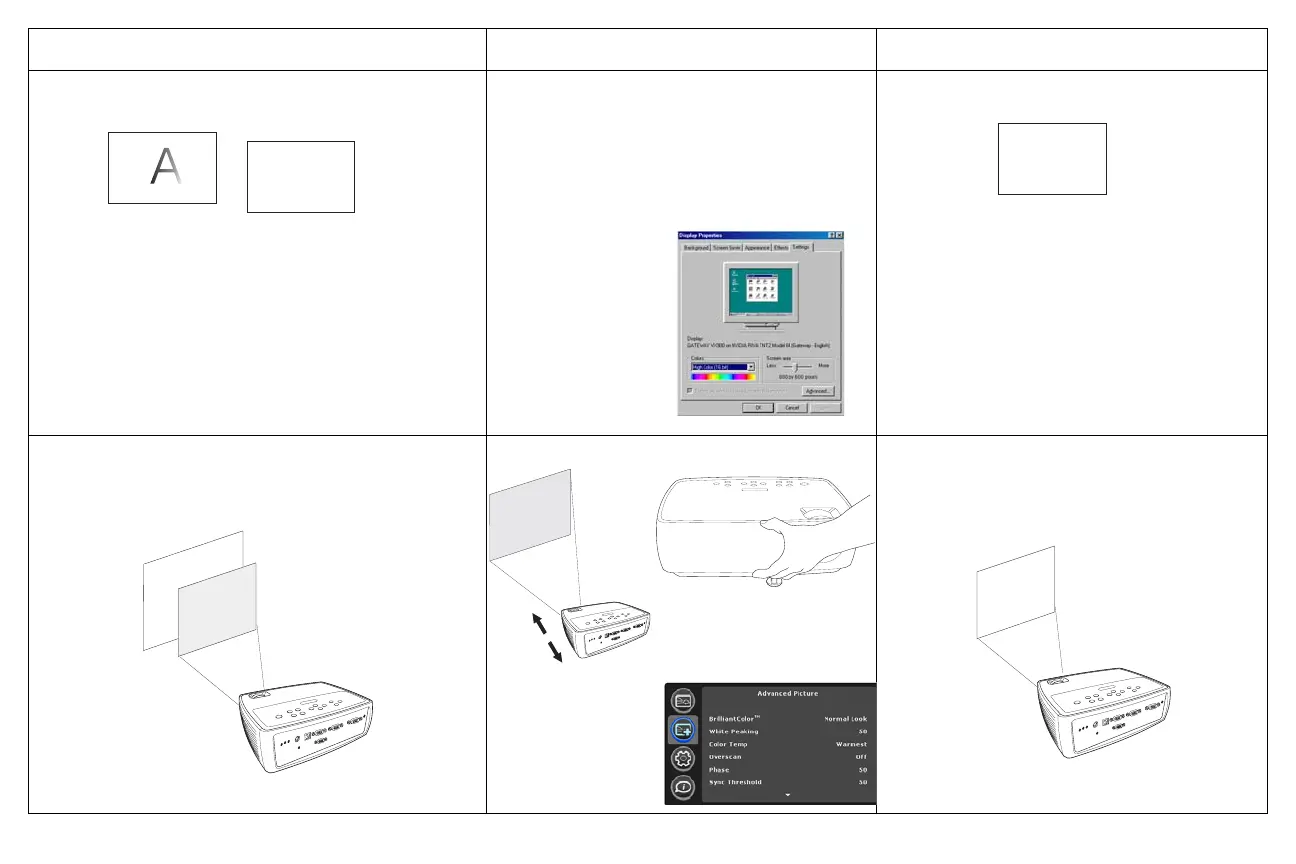
image fuzzy or cropped
set your computer’s display resolution to
the native resolution of the projector
(Start>Settings>Control
Panel>Display>Settings tab)
image clear and not cropped
image not centered on screen
move projector, adjust zoom, adjust height
correct image
A
A
For a laptop,
disable laptop
monitor
or turn-on dual-
display mode
A
adjust horizontal or
Advanced Picture
vertical position in
menu



 To Next Page