Page 29
INF8630eAG / INF8630AG Hardware Guide
Accessing Sources Using the Remote
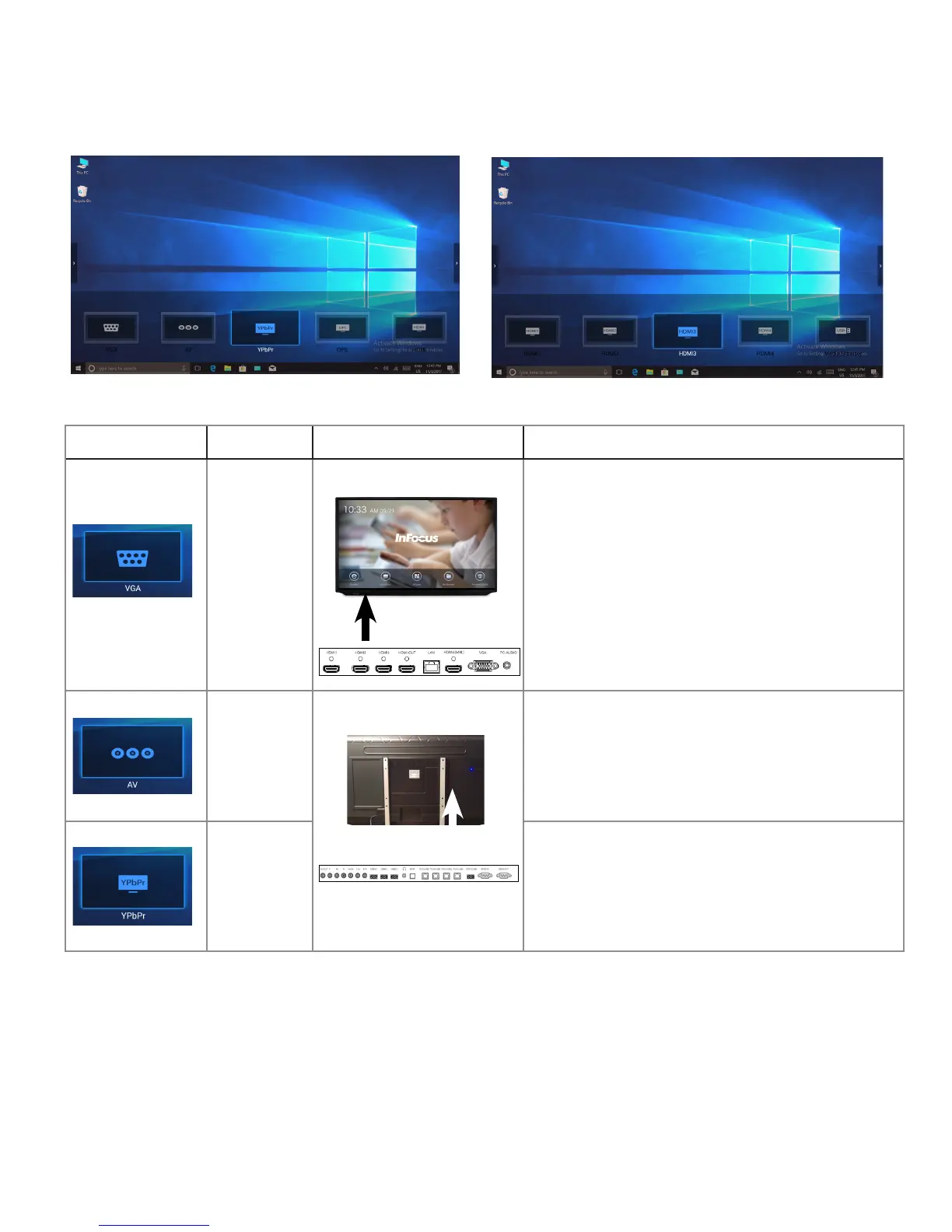
Understanding Source Options
When you access source options with the remote control, your choices appear at the bottom of the screen. Here they are:
Source Icon Icon Name Location Description
VGA
Video Graphics
Array
Under Panel Ports
Connect Video Media Device.
AV Composite
Side Panel Ports
Connect to DVD.
Component Connect to component devices.



 To Next Page