Page 38
Selecting an On Screen Display Menu
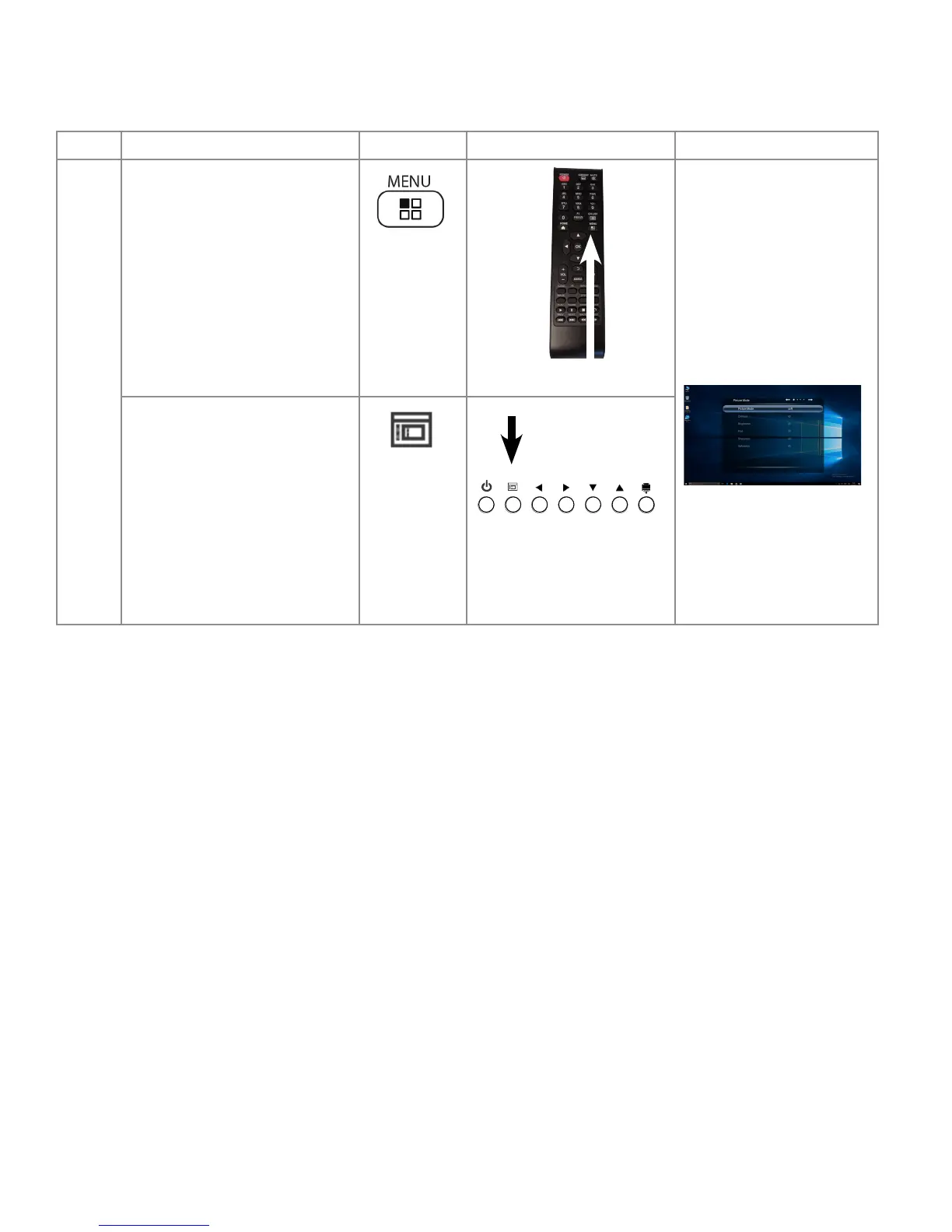
To access the On Screen Display Menu Options, ensure your display is connected to a PC, then follow these steps:
Step
Do This... Press Location Result
1 Press the Menu button on the
remote.
Note: The remote Menu button
is active when viewing one of the
video input sources. The remote
Menu button doesn't work from the
Home Screen or when in an Android
application.
The rst of the On Screen
Display Settings Menus
appears.
Press the Menu button on the lower
right of the display.



 To Next Page