23
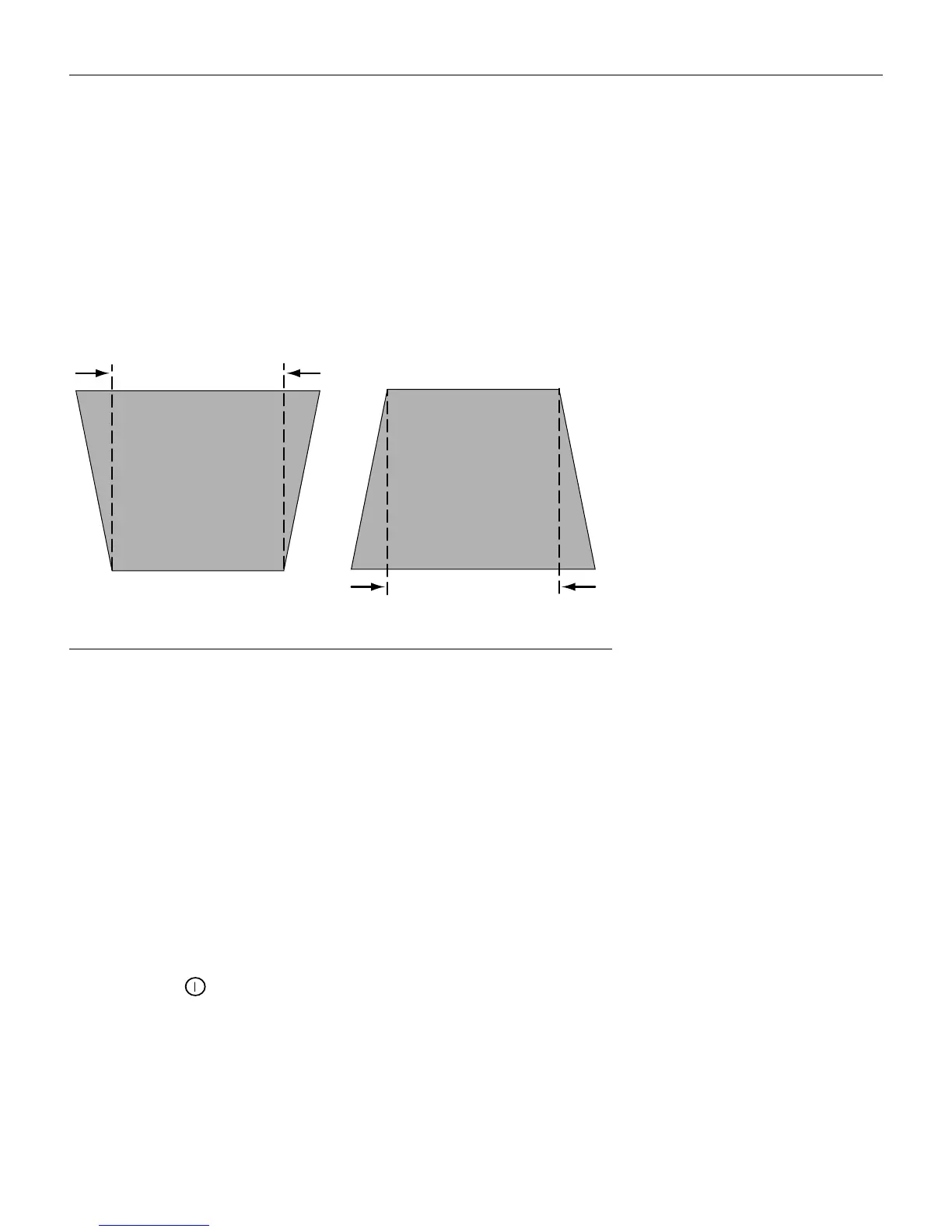
Keystone + - (remote only)
Use this feature to adjust the image vertically and make a squarer
image.
1 Press the
keystone +
button to reduce the upper part of the
image, and press the
keystone -
button to reduce the lower
part. You can also adjust keystone from the Display menu (see
page 26 for details on the menu).
F
IGURE
18
Adjusting the keystone
Forward/back buttons (remote only)
These buttons act like the page up and page down buttons on
your computer’s keyboard. You can use them to advance through
a slide show in PowerPoint™ presentations. To use this feature,
you must connect the USB mouse connector on the computer
cable to your computer. See page 9 for details.
Up/down/left/right arrow buttons (remote only)
Use these buttons to navigate through and make adjustments to
the on-screen menus. See “Using the On-Screen Menus” on
page 25 for details.
Power button
This turns the lamp on and off. See page 14 for startup and shut-
down details.
increasing keystone
decreasing keystone





 To Next Page