34
Using the Projector
Advanced Menu
F
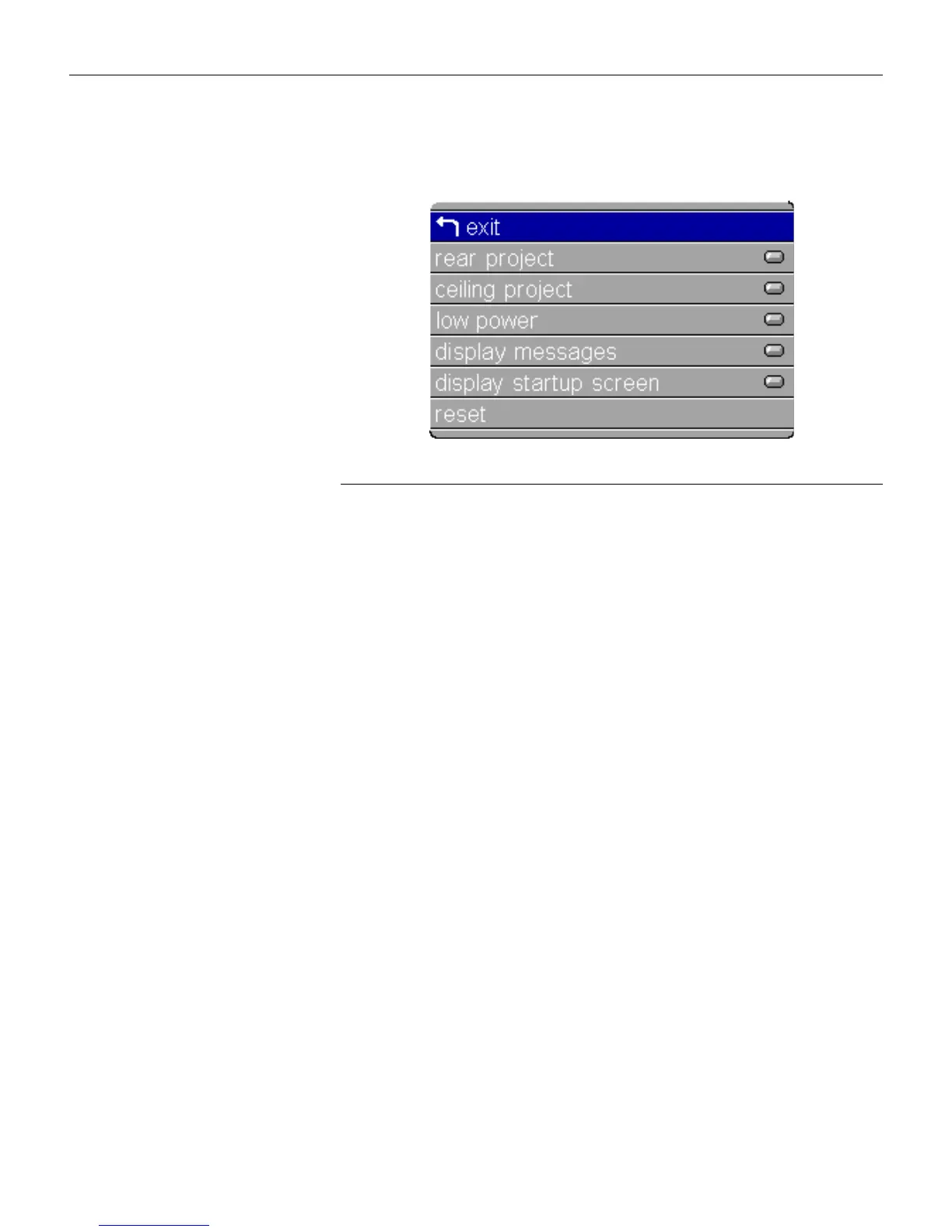
IGURE
25
Advanced menu
Rear Project
When you turn
Rear Project
on, the projector reverses the image
so you can project from behind a translucent screen.
Highlight
Rear Project
, press
menu/select
, then press the left or
right arrow buttons to turn this feature off and on.
Ceiling Project
When you turn
Ceiling Project
on, the projector turns the image
upside down for ceiling-mounted projection. Highlight Ceiling
Project, press
menu/select
, then press the left or right arrow but-
tons to turn this feature off and on.
Low Power
This setting toggles between on and off. Turn it on to lower the
light output of the lamp, thus extending its life. This also lowers
the fan speed, making the projector quieter.
Display Messages
This setting toggles between On and Off. When this feature is On,
status messages such as “No signal detected” or “Standby
Active” appear in the lower-right corner of the screen.





 To Next Page