38
Projector Manager Software
Using the Software
To launch the software, double-click the Projector Manager icon
in the Control Panel or in the system tray. The Projector Manager
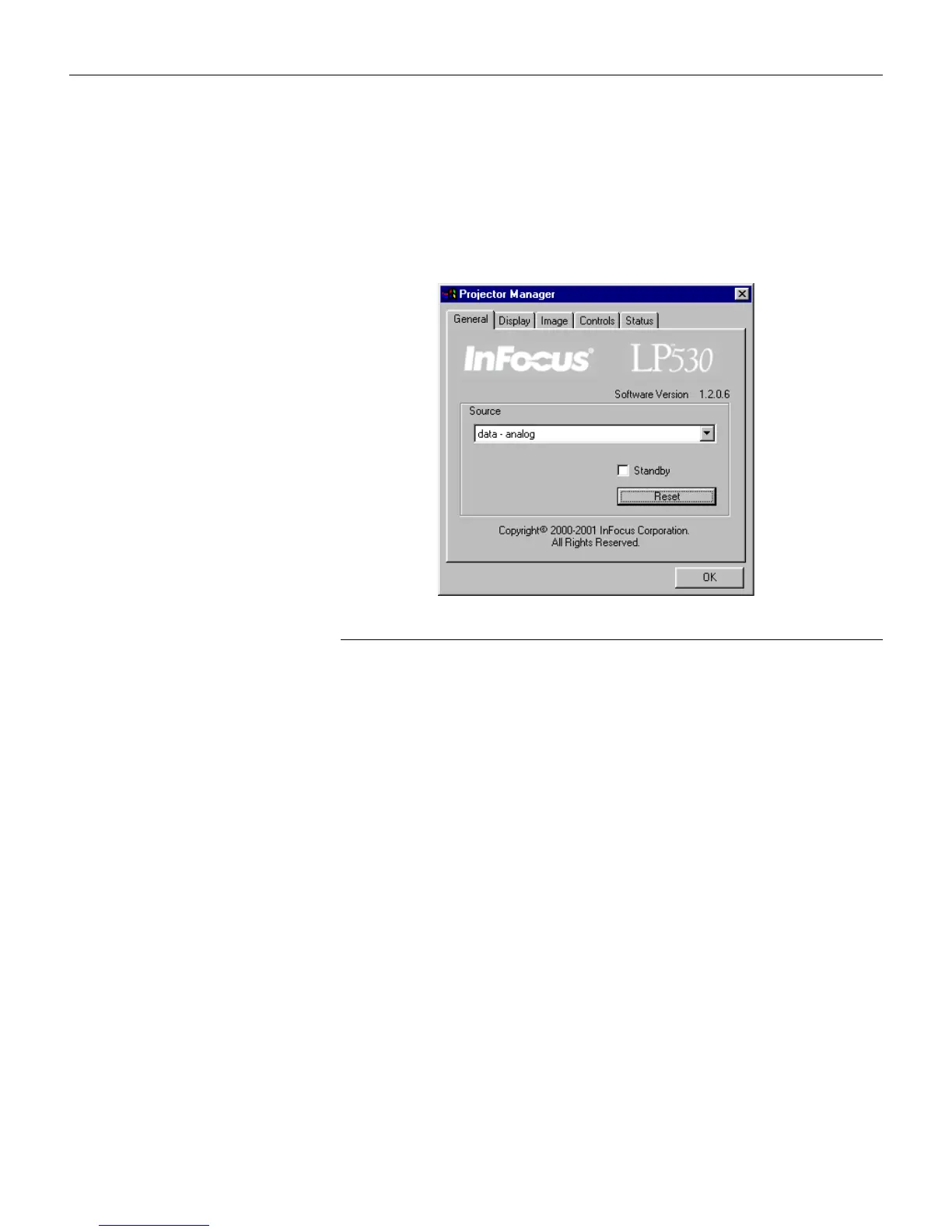
software opens to the General menu.
F
IGURE
28
General menu
General menu
Choose the desired source from the Source pull-down menu to
change the active source.
Click Standby to display a blank screen. You can select a black,
blue, or white screen from the Display tab (see page 39).
Click Reset to reset the options in the menus (except Language,
Video Standard, and Ceiling and Rear Project) to their original
settings.





 To Next Page