36
Using the Projector
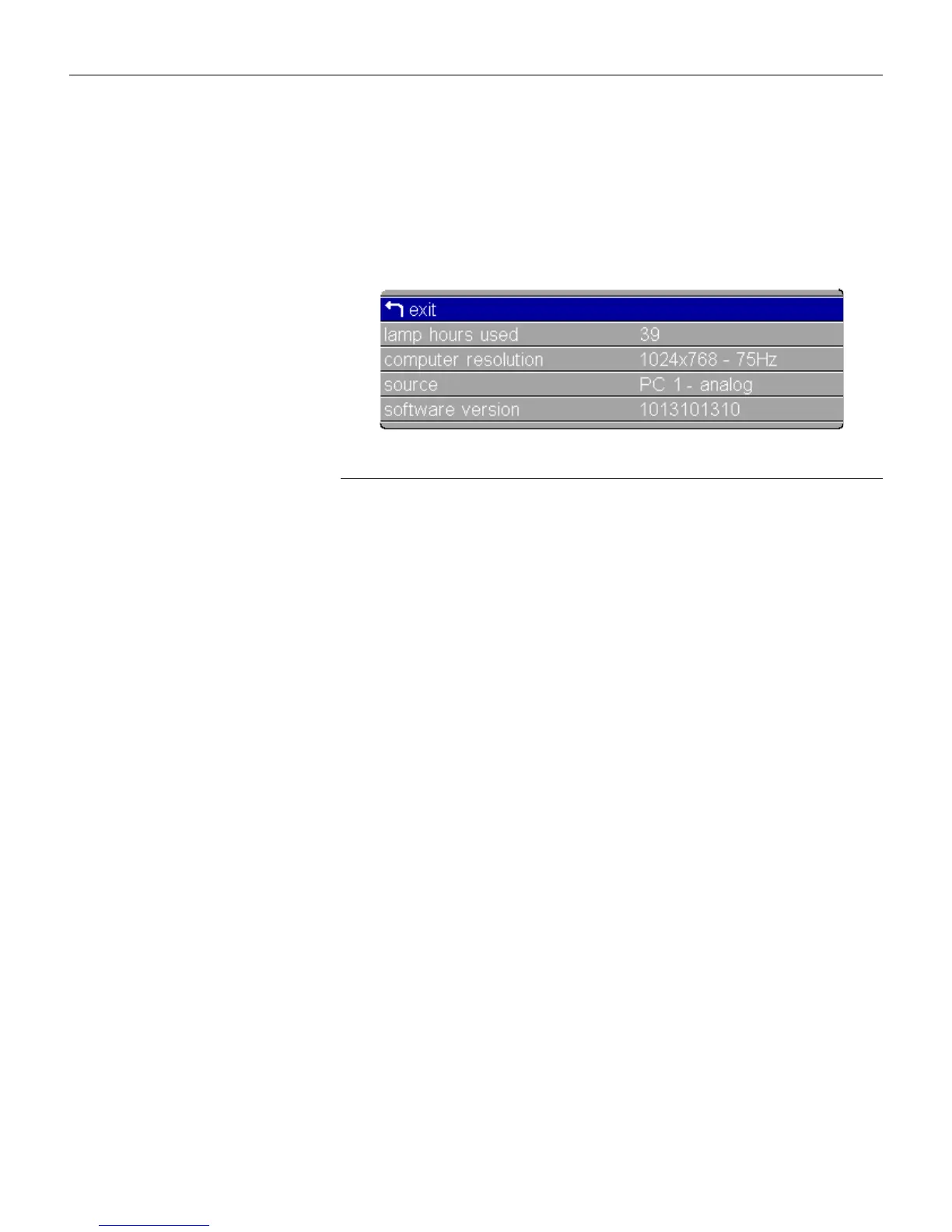
Status Menu
This is a read-only menu for informational purposes. To display
the Status menu, highlight Status from the Main menu, then
press
menu/select
.
F
IGURE
27
Status menu
Lamp Hours Used
Indicates how many hours the current lamp has been in use. The
counter starts at zero hours and counts each hour the lamp is in
use. Replace the bulb when the brightness is no longer accept-
able. See “Replacing the Projection Lamp” on page 45 for details.
Computer Resolution (computer sources only)
Shows your computer’s resolution setting. To change this, go to
your computer’s Control Panel and adjust the resolution in the
Display tab. See your computer’s user’s guide for details.
Video Format (video sources only)
Shows the video format being displayed.
Source
Indicates the active source, PC 1-Analog, PC 1-Digital, Video1 S-
Video, and Video 2-Composite (also PC 2-VESA and Video 3-
Component when using the optional connectivity module).
Software Version
Indicates the projector’s software version. This information is
useful when contacting Technical Support.





 To Next Page