28
Using the Projector
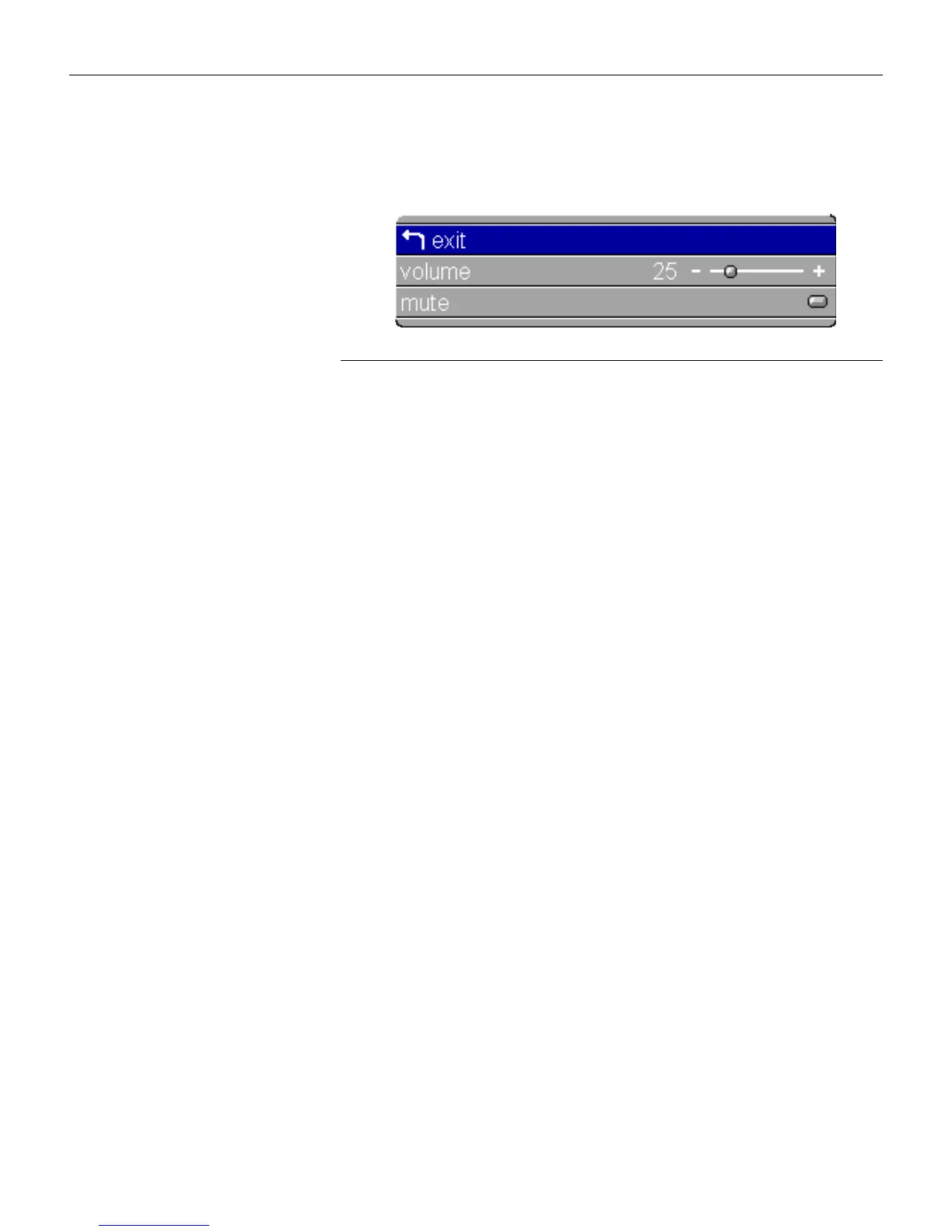
Audio Menu
F
IGURE
21
Display menu
Volume
You can also adjust the volume directly from the projector’s key-
pad.
1 Use the up and down arrows to highlight Volume, press
menu/select
, use the arrows to adjust the volume, then press
menu/select
to accept your changes.
Mute
This mutes the sound.
1 Use the up and down arrows to highlight Mute, press
menu/select
, use the left or right arrow to turn mute on and off
(a green dot indicates a feature is on), then press
menu/select
to accept your changes.





 To Next Page