32
Using the Projector
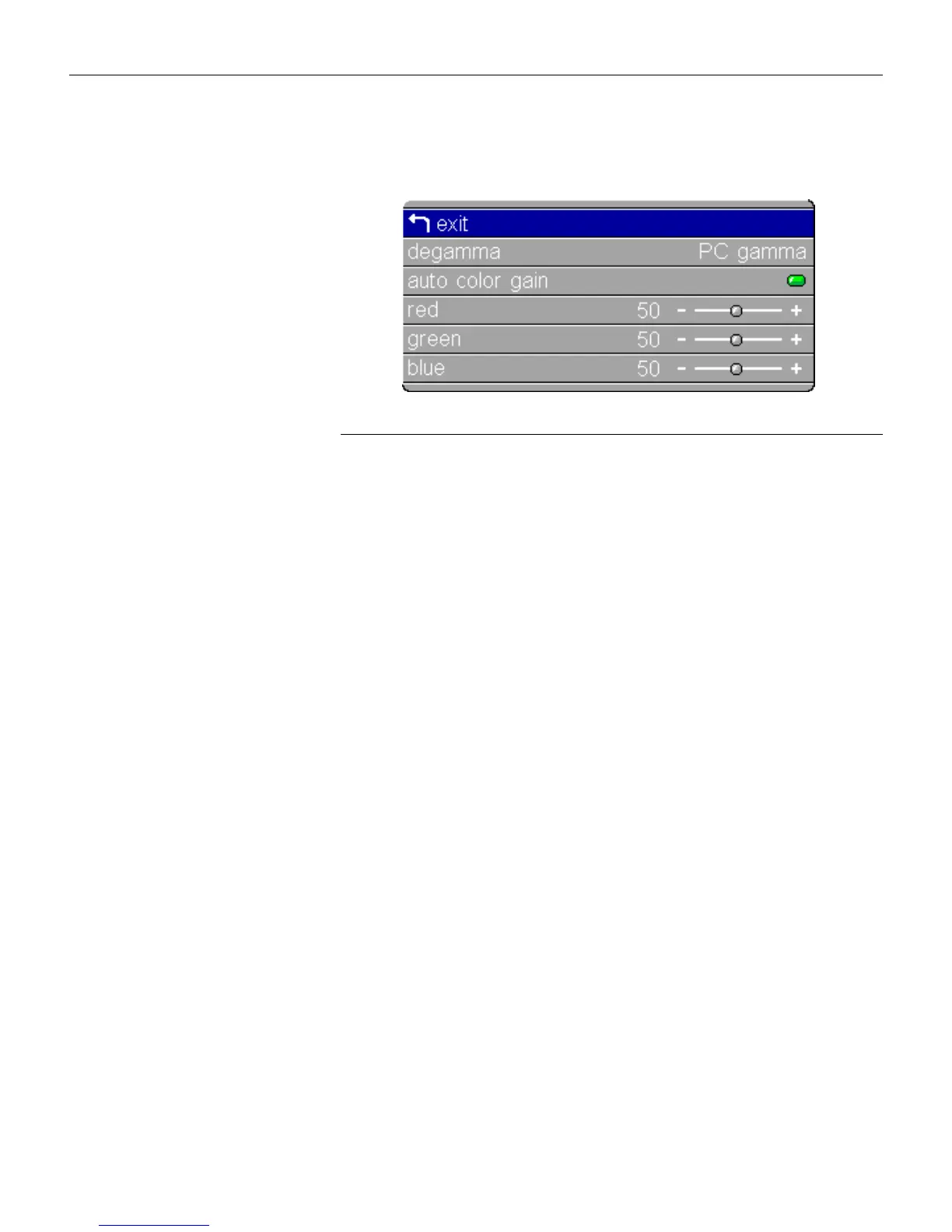
Color Management Menu
F
IGURE
23
Color Management menu
Degamma
This allows you to select a gamma table that has been specifically
tuned for either computer, video, or film input.
Highlight
Degamma
, press
menu/select
,
use the left or right
arrows to cycle through the options, then press
menu/select
to
select.
Auto Color Gain
When this feature is On, the projector automatically sets the red,
green, and blue color gains for each source. When it is off, you
can manually adjust the color gains.
Red, Green, Blue
To manually adjust the color gains:
1 Turn Auto Color Gain off.
2 Highlight Red, Green, or Blue, press
menu/select,
use the
arrow buttons to adjust the gain, then press
menu/select
.
The settings are saved for each source.





 To Next Page