48
Maintenance & Troubleshooting
Cleaning the Projection Lamp Filter Screens
In dirty or dusty environments, the dust filter screens on the
lamp module can become clogged, causing high temperatures
inside the lamp module. These high temperatures can cause pre-
mature lamp failure. Routine maintenance to remove dust and
dirt from the screens lowers the lamp operating temperature and
prolongs lamp life. To maximize lamp life you may want to clean
the screen every 250 hours.
1 Remove the lamp module. Refer to “Replacing the Projection
Lamp” on page 45 for instructions.
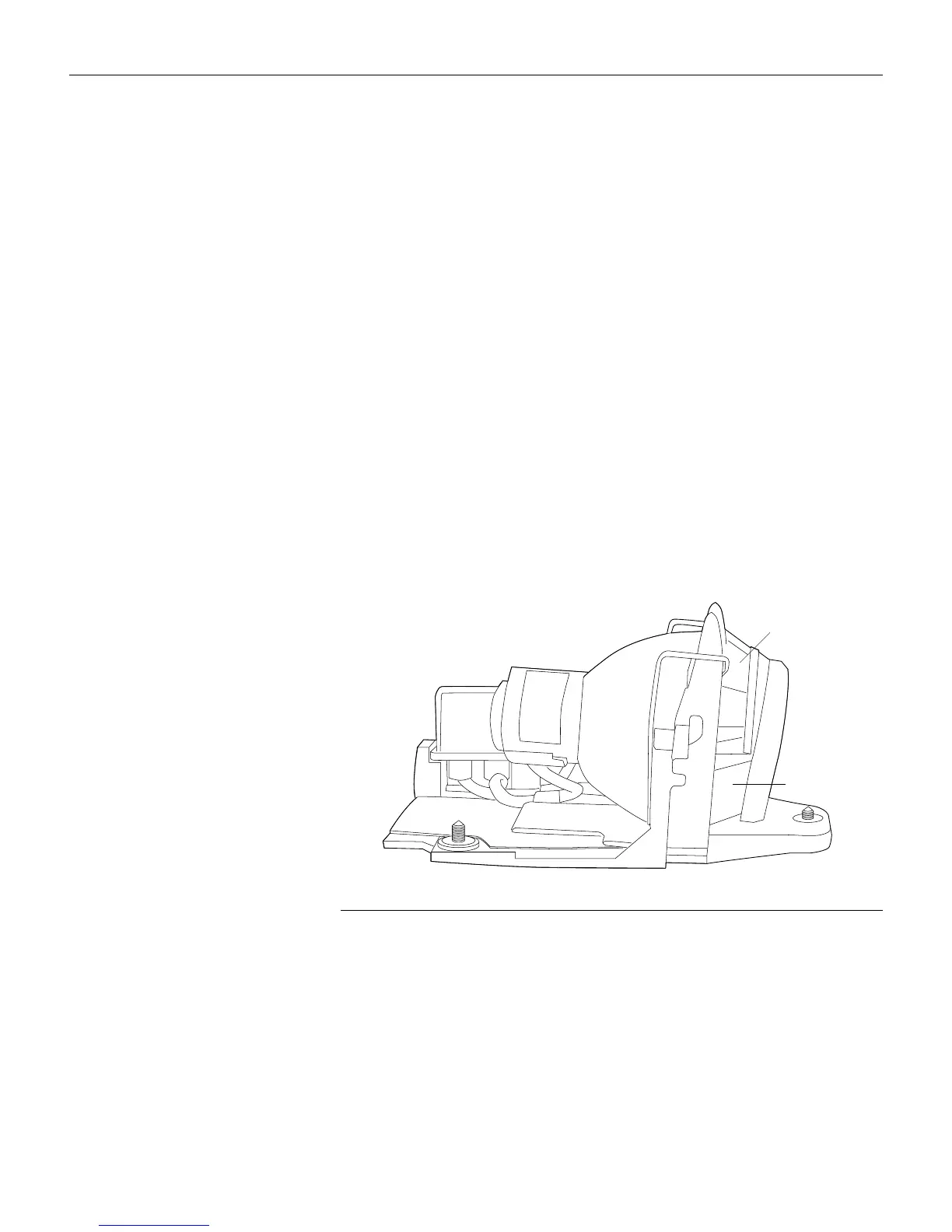
2 Examine the dust filter screens on each side of the lamp mod-
ule. If necessary, use compressed or canned air to clean the
screens. Then use a cotton swab dipped in isopropyl alcohol
to lightly wipe each screen. After you've wiped each screen,
use the compressed or canned air to blow away remaining
contaminants.
F
IGURE
36
Lamp module screens
3 Before you replace the lamp, use the compressed or canned
air to clean the lamp housing in the projector.
4 Replace the lamp and lamp door.
screen
screen





 To Next Page