47
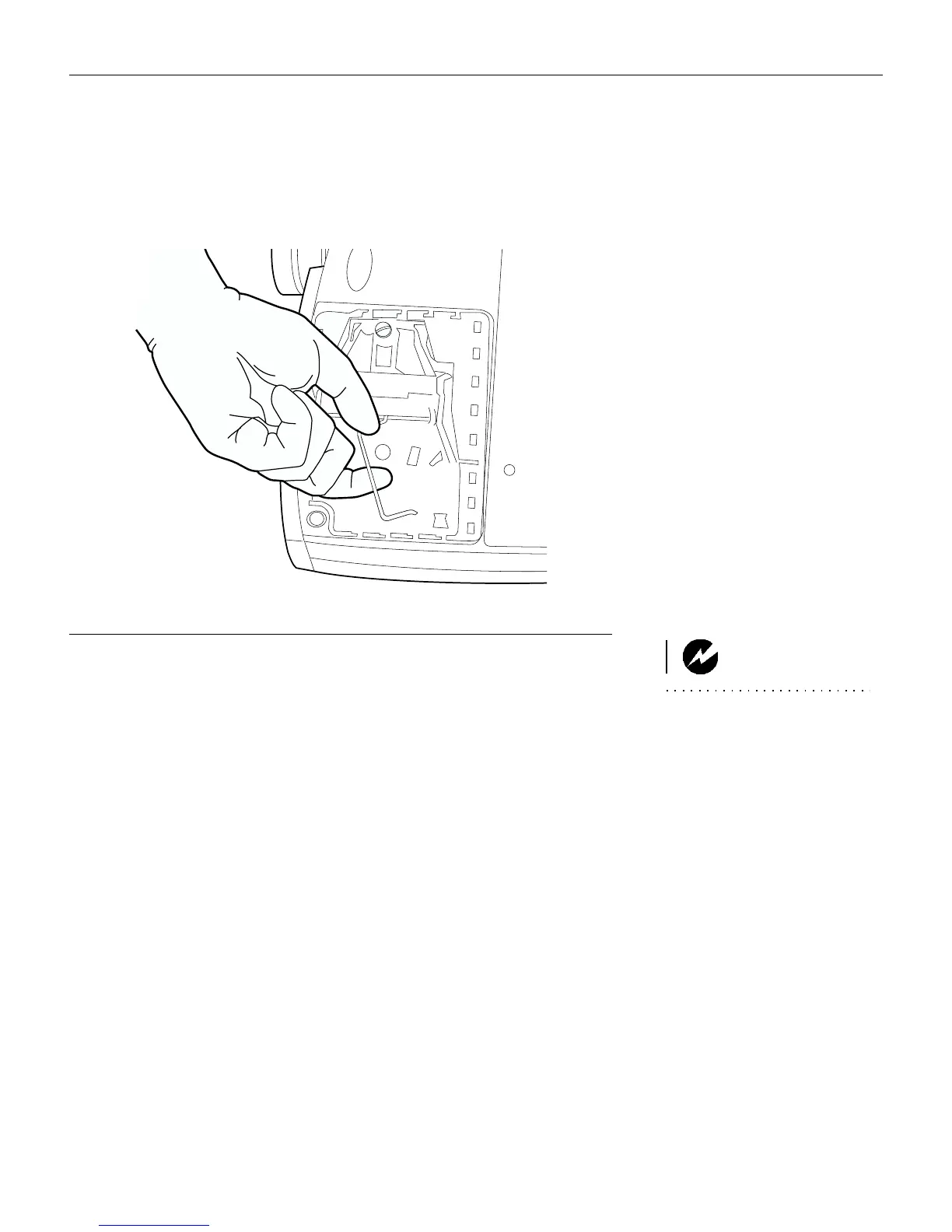
5 Lift and grasp the metal bail wire and lift the module out (Fig-
ure 35). Dispose of the lamp module in an environmentally
proper manner.
F
IGURE
35
Removing the lamp module
WARNING: Do not drop the
lamp module or touch the glass
bulb! The glass may shatter and
cause injury.
6 Install the new lamp module, being sure to align the connec-
tors properly.
7 Push the module in until it is flush with the bottom case of the
projector.
8 Tighten the screws on the outside of the module.
9 Replace the lamp door by inserting the hooks on the lamp
door into the slots on the projector and pressing the lamp
door into place. The arrow on the lamp door should point to
the lock icon on the bottom of the projector. If the lamp door
does not fit properly or bulges out, remove the door and re-
seat the lamp module.
10 Plug in the power cord and press the green
power
button to
turn the projector back on.
11 To reset the lamp hour counter in the Status window, press
and hold the
volume -
button, then press the
source
button
(while still holding down the
volume -
button) for 5 seconds.
Verify that the counter was reset by viewing the counter in the
Status window.





 To Next Page