35
Display Startup Screen
This setting toggles between On and Off. When this feature is On,
the startup screen appears when the projector starts up and
remains until an active source is detected. The startup screen con-
tains contact information. When it is off, a plain black or blue
screen is displayed instead of the startup screen.
Reset
Highlight Reset then press
menu/select
to reset the options in the
menus (except Language, Video Standard, Ceiling and Rear
Project, and Standby Time) to their original settings.
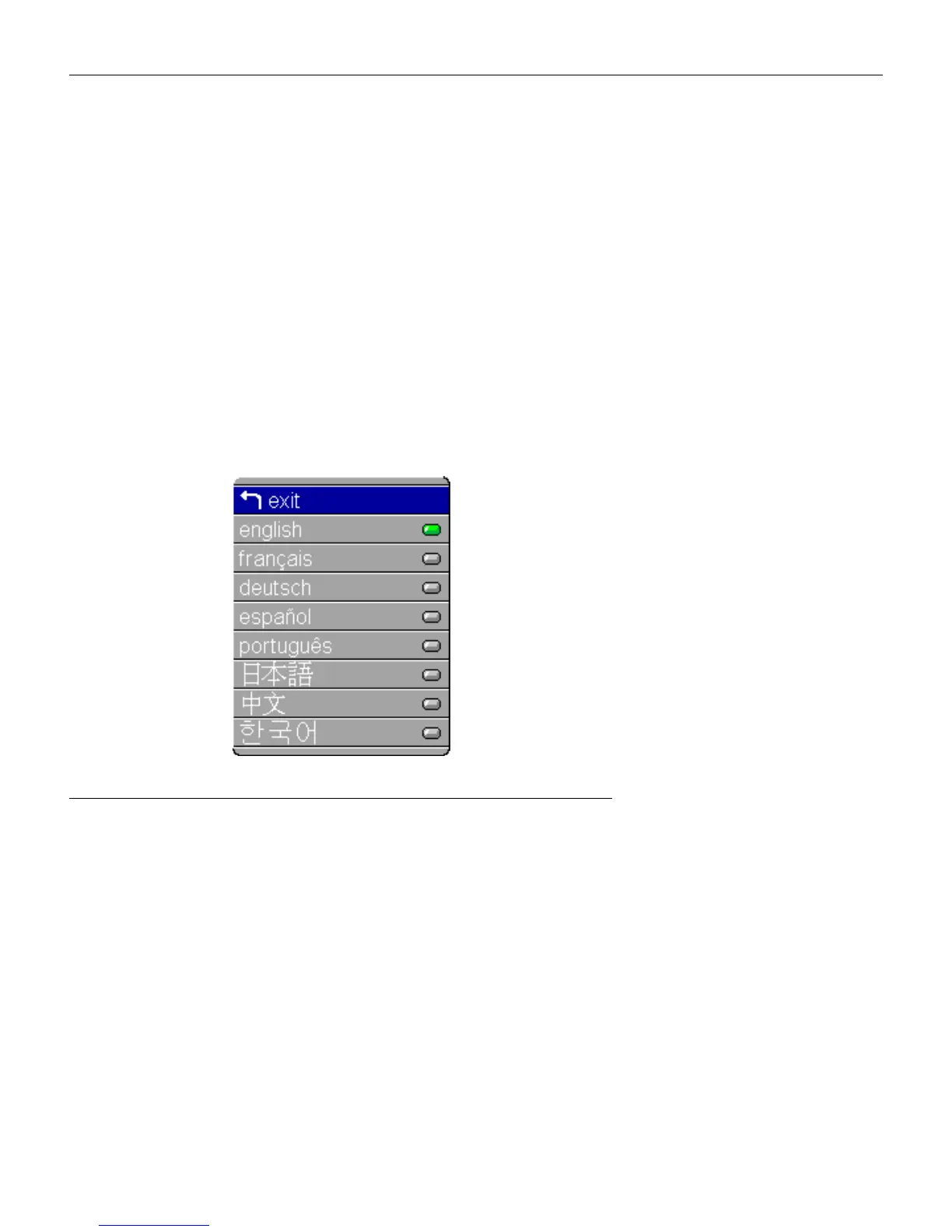
Language Menu
F
IGURE
26
Language menu
You can display the on-screen menus in English, French, Ger-
man, Spanish, Portuguese, Chinese, Japanese, or Korean.
1 Press the
menu/select
button to display the Main menu, press
the arrow buttons to highlight Language, then press
menu/select
again to access the Language menu.
2 Press the arrow buttons to highlight the desired language,
then press
menu/select
. Press
menu/select
to exit this menu
and return to the Main menu.





 To Next Page