46
Maintenance & Troubleshooting
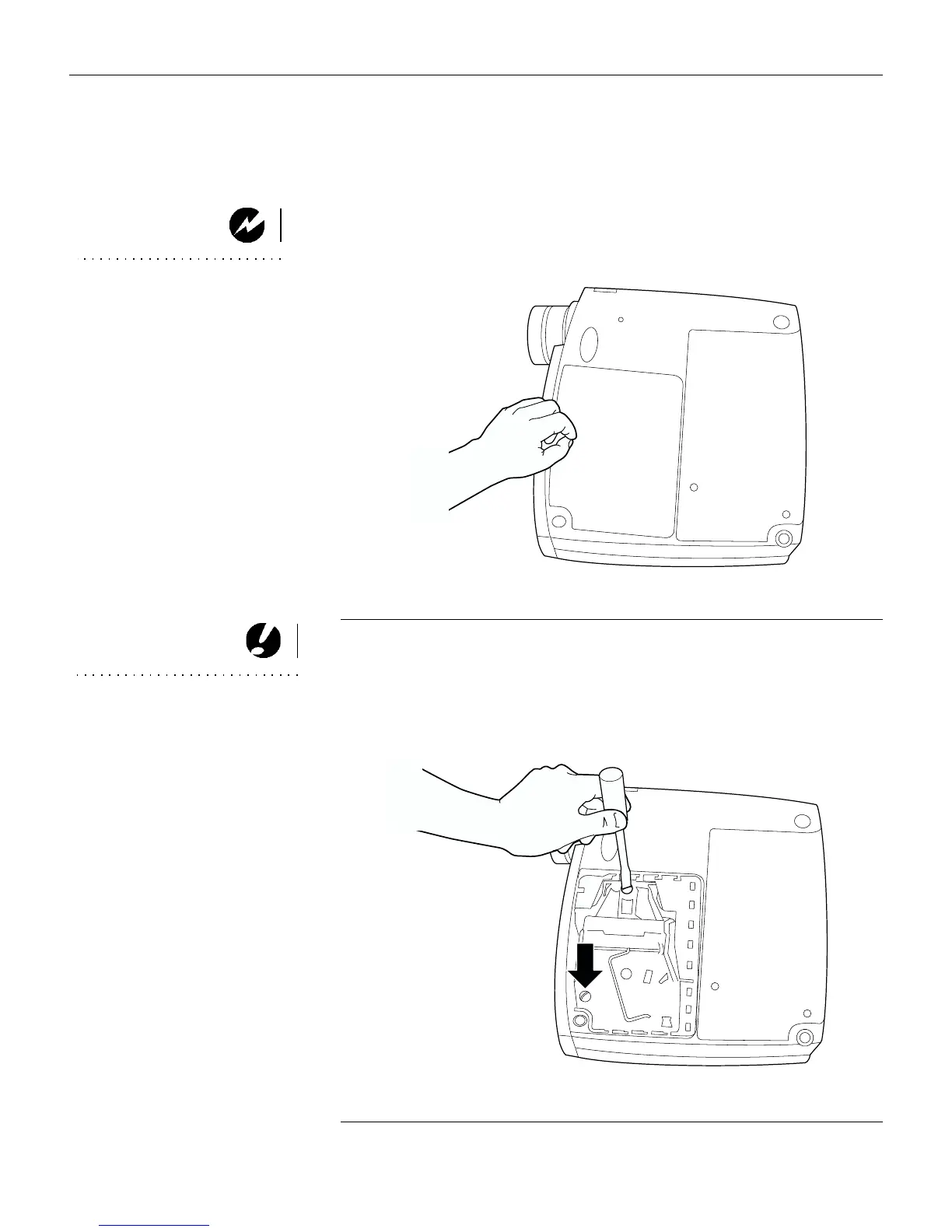
3 Invert the projector on a soft flat surface, then push the ridge
on the lamp door toward the back (Figure 33). The arrow on
the lamp door should point to the unlock icon on the bottom
of the projector. Lift the door up.
WARNING: Be extremely careful
when removing the lamp module.
In the unlikely event that the bulb
ruptures, small glass fragments
may be generated. The lamp
module is designed to contain
these fragments, but use caution
when removing the lamp module.
F
IGURE
33
Removing the lamp door
CAUTION: Never operate the
projector with the lamp door open
or removed. This disrupts the air
flow and causes the projector to
overheat.
4 Loosen the two non-removable screws on the outside of the
module (Figure 34).
F
IGURE
34
Loosening the screws on the lamp module





 To Next Page