39
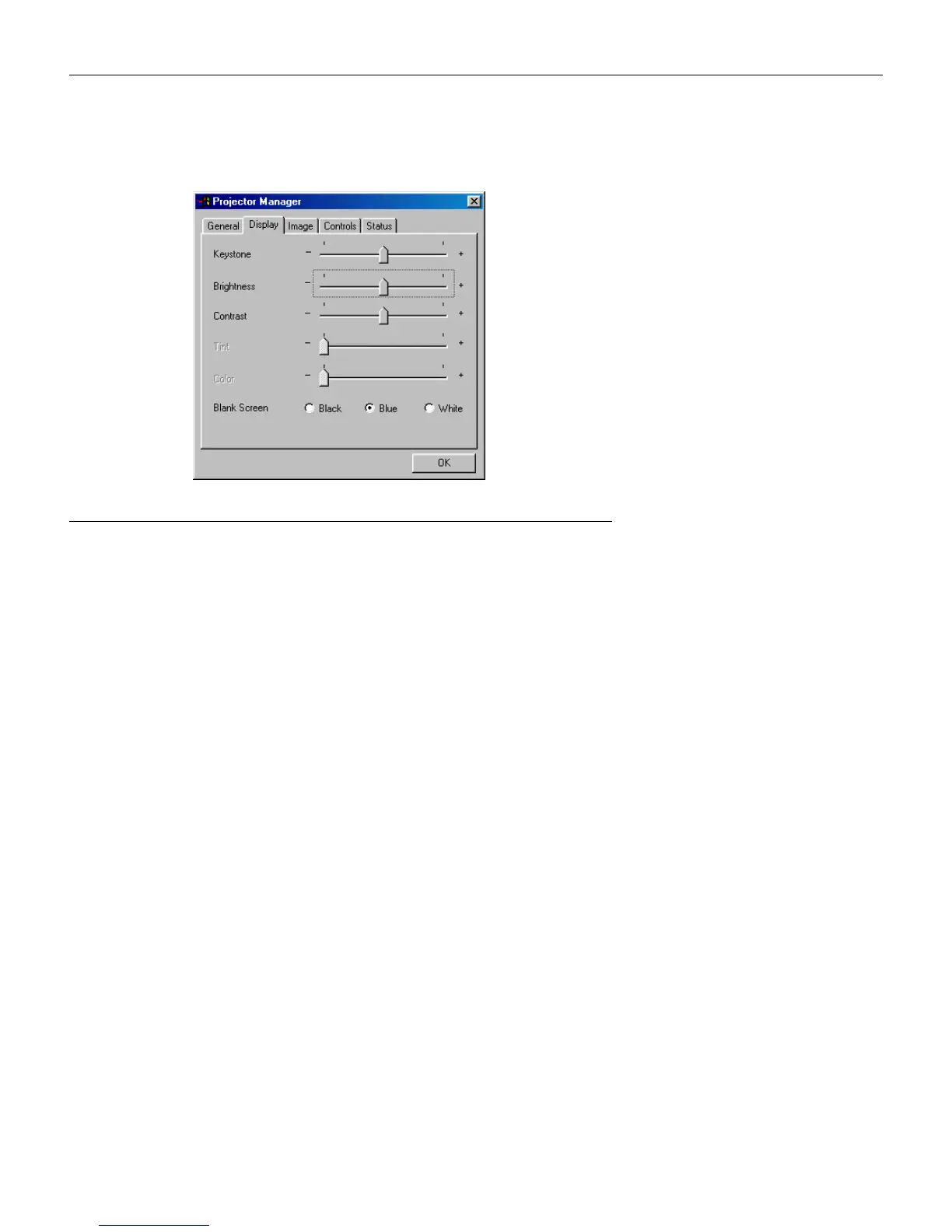
Display menu
F
IGURE
29
Display menu
Keystone
Use the slider bar to adjust the keystone setting. See page 23 for
details on keystone.
Brightness, Contrast, Tint and Color
Use the slider bars to adjust Brightness, Contrast, Tint, and Color.
See page 26 for a description of these settings.
Blank Screen
Blank Screen determines what color is displayed when there is no
active source and when the projector is in standby. Click Blue,
Black or White to specify the color.





 To Next Page