40
Projector Manager Software
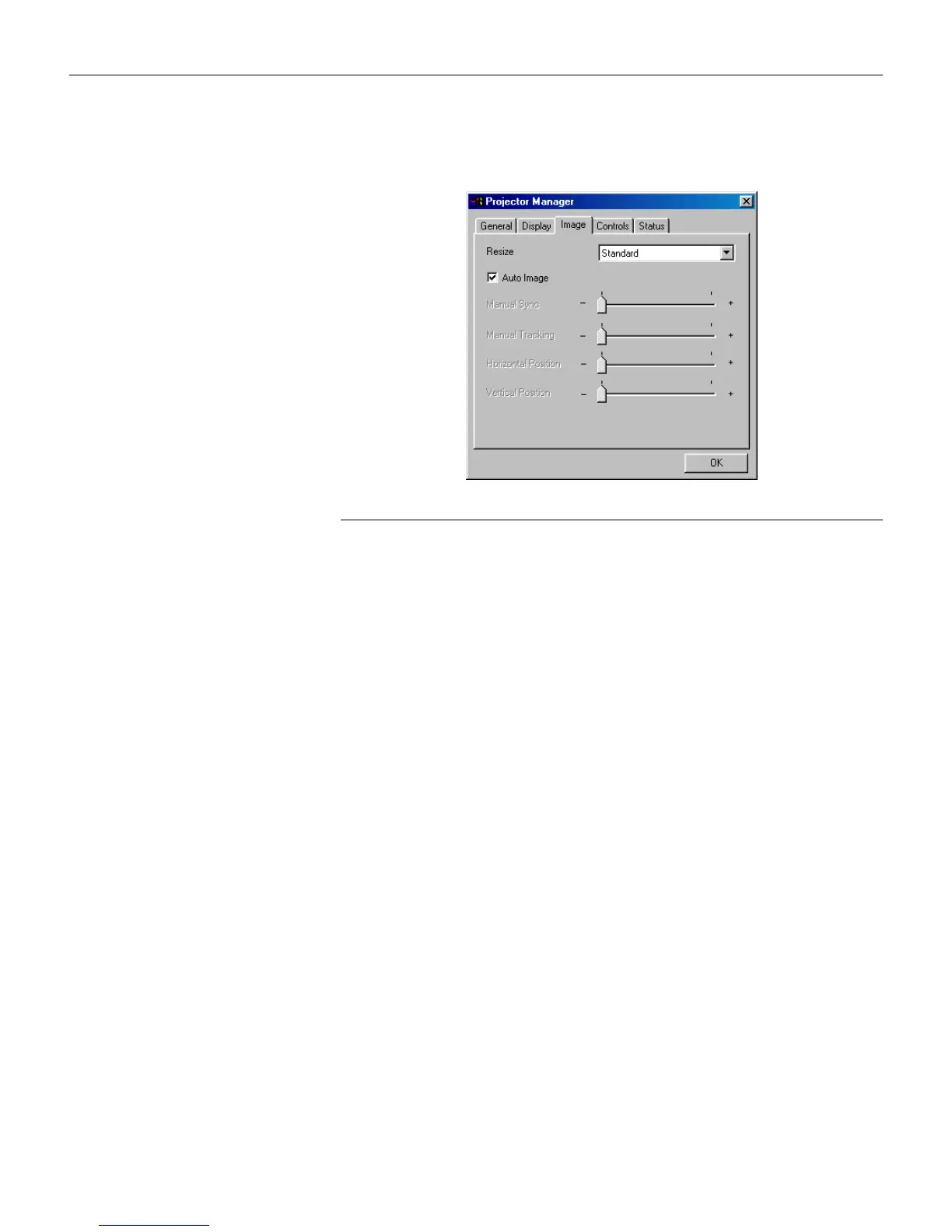
Image menu
F
IGURE
30
Image menu
Resize
Resize
allows you to select from among four different re-sizing
options. The default is
Standard
, which resizes the image from its
original version to fit a standard 4x3 aspect ratio screen.
Wide-
screen Letterbox
preserves the 16x9 aspect ratio of the original
theater version, but the image is placed in a 4x3 space, so black
bars appear at the top and bottom of the image.
Enhanced
Wide-
screen
also preserves the aspect ratio of the original theater ver-
sion and is designed to be used with content that is Enhanced for
Widescreen TVs. This option yields more detail than Widescreen
Letterbox.
Native
displays the image with no resizing.
Auto Image
Click the check box to turn Auto Image on or off. The projector
automatically adjusts tracking, signal synchronization and verti-
cal and horizontal position for most computers. If you want to
adjust these features manually, you must turn off
Auto Image
first.





 To Next Page