12
English ...
Operation
Powering On the Projector
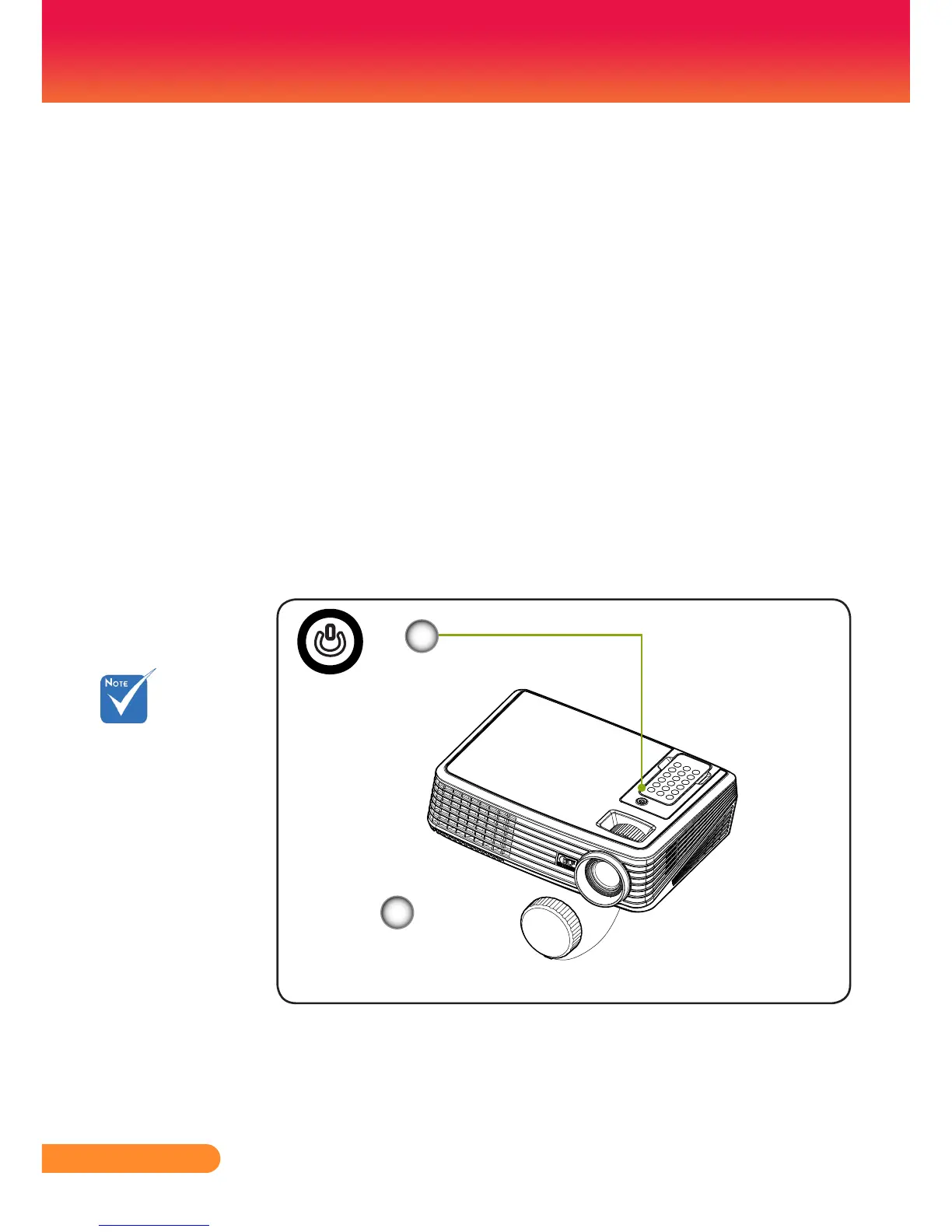
1. Remove the lens cap.
2. Ensure that the power cord and signal cable are securely
connected.ThePowerLEDwillturnashblue.
3. Turn on the lamp by pressing “Power/Standby” on the
control panel. The startup screen will display for about 25
seconds and the Power LED will turn blue.
4. Turnonyoursource(computer,notebook,videoplayer,etc.)
The projector will detect your source automatically.
Ifyouconnectmultiplesourcesatthesametime,usethe
“source”ontheremotecontrolorusethe“computer“,
”video1”,“video2“ontheremotecontroltoswitch.
Powering On/Off the Projector
Turn on the projector
rstandthenthesignal
sources.
Power/Standby
Lens Cap
2
1



 To Next Page