14
English ...
Operation
Warning Indicator
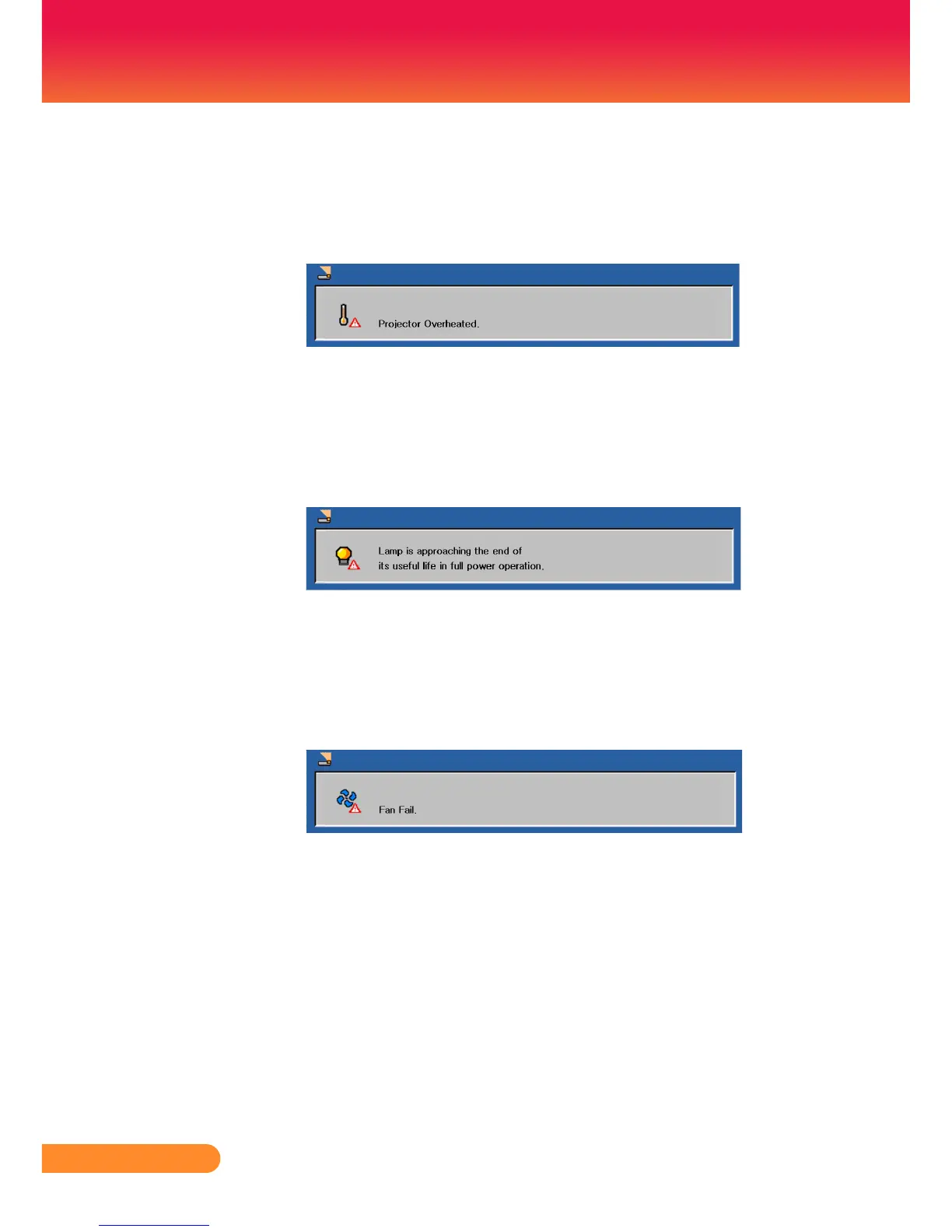
When the “Power” LED indicatorturnsred,itindicatesthe
projector has overheated. The projector will automatically
shut itself down.
When the “Power” LED indicatorashesredandthemes-
sagebelowdisplaysonscreen,itindicatesthe projector
willdetectthelamplifeitself.Whenyouseethismessage,
change the lamp as soon as possible or contact your local
dealer or our service center.
When the “Power” LED indicatorashesredandthemes-
sagebelowdisplaysonscreen,itindicatesthefanfailed.Stop
using the projector and disconnect the power cord from the
electricaloutlet,thencontactyourlocaldealerorourservice
center.



 To Next Page