22
English ...
User Controls
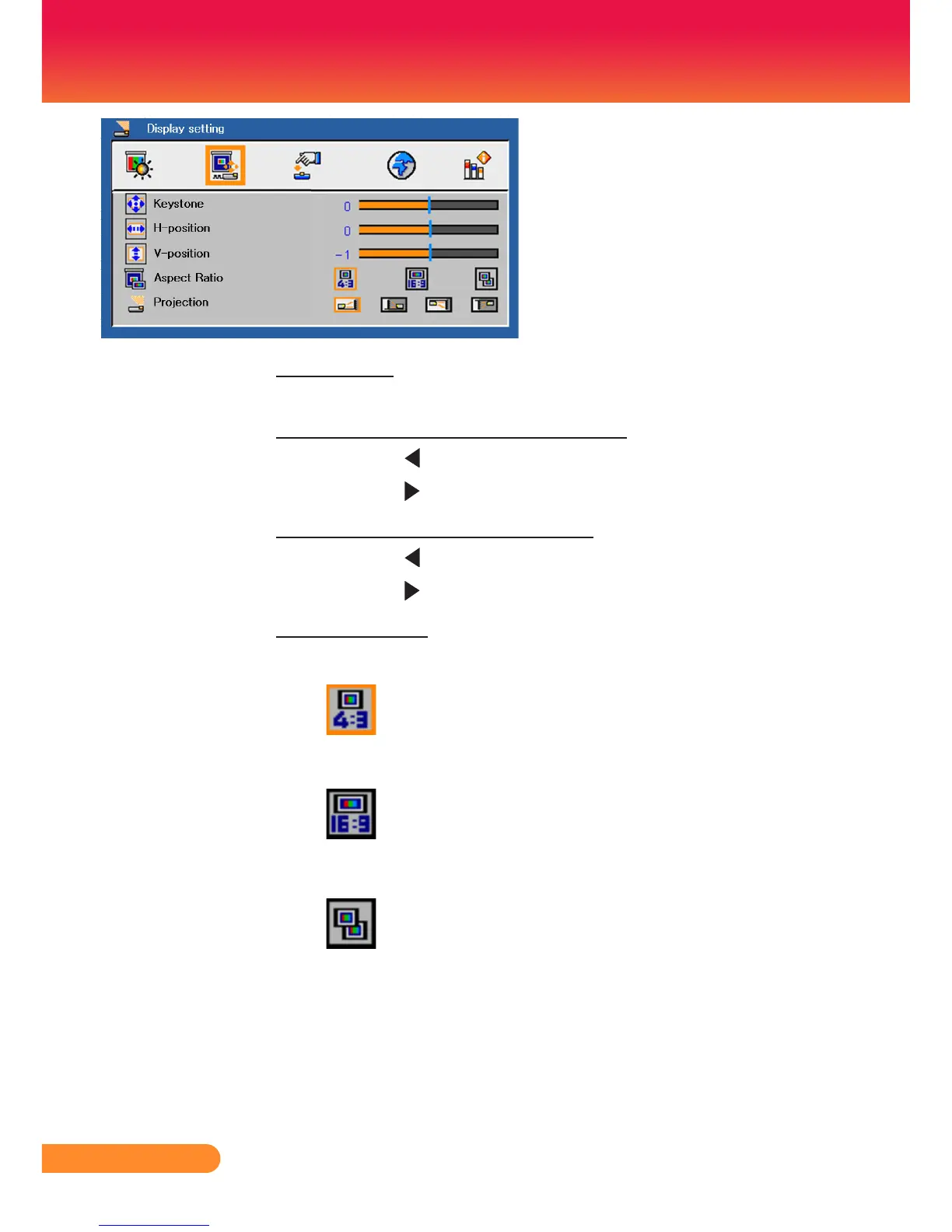
Display Setting
Keystone
Adjust image distortion caused by tilting projector. (±15 degrees).
H-Position (Horizontal Position)
Press the to move the image left.
Press the to move the image right.
V-Position (Vertical Position)
Press the to move the image down.
Press the to move the image up.
Aspect Ratio
Use this function to choose your desired aspect ratio.
4:3
Thisformatisfor4x3inputsourcesnotenhancedforWide-
screen TV.
16:9
Thisformatisfor16:9inputsources,likeHDTVandDVDen-
hanced for Widescreen TV.
Native
This format displays the original image without any scaling.



 To Next Page