INFOSEC UPS SYSTEM – 15, Rue du Moulin – 44880 Sautron – France – www.infosec-ups.com
Hot Line Tel : +33 (0)2 40 76 15 82 – fax : +33(0)2 40 94 29 51 – hotline@infosec.fr – 02 19 AA 59 203 07
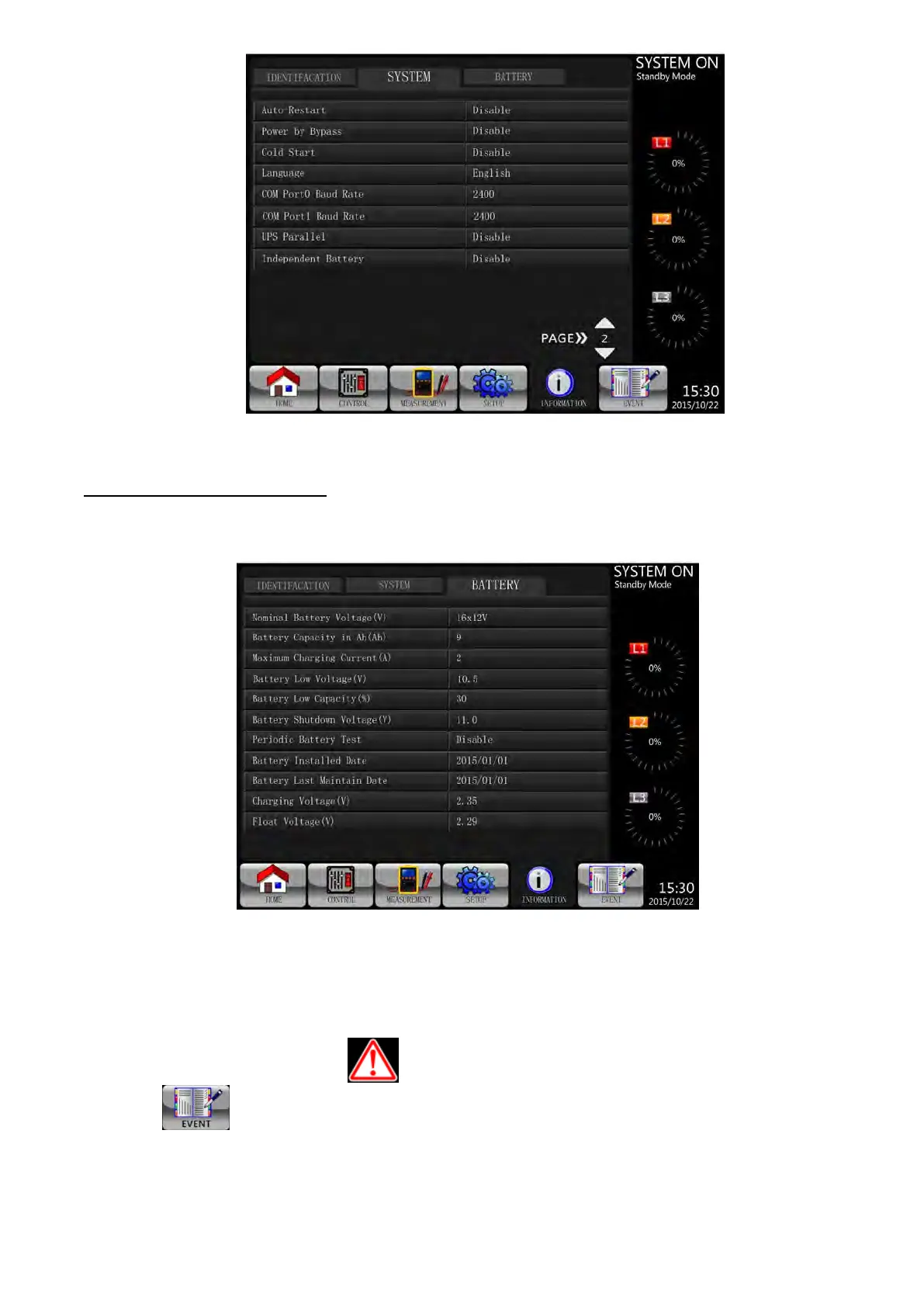
INFORMATION System Screen Page 2
INFORMATION - Battery Screen
When Battery submenu is selected, the information such as battery nominal voltage, capacity, charging
current … etc. will be displayed as shown in Figure 3-23..
INFORMATION Battery Screen Page
Figure 3-23 INFORMATION Battery Screen Page
3-2-7. Event Screen
When an event occurs, you will see flashing in the main screen as shown in Figure 3-24. You also
can touch to check the latest event, history events and reset all events. Refer to Figure 3-25 for
menu tree.

 To Next Page
 Loading...







