24
INFOSEC UPS SYSTEM - 4, rue de la Rigotière - 44700 Orvault - FRANCE - www.infosec-ups.com
Hot Line – Tel + 33 (0)2 40 76 15 82 - Fax + 33 (0)2 40 94 29 51 - hotline@infosec.fr – 03 11 AA AA 201 18
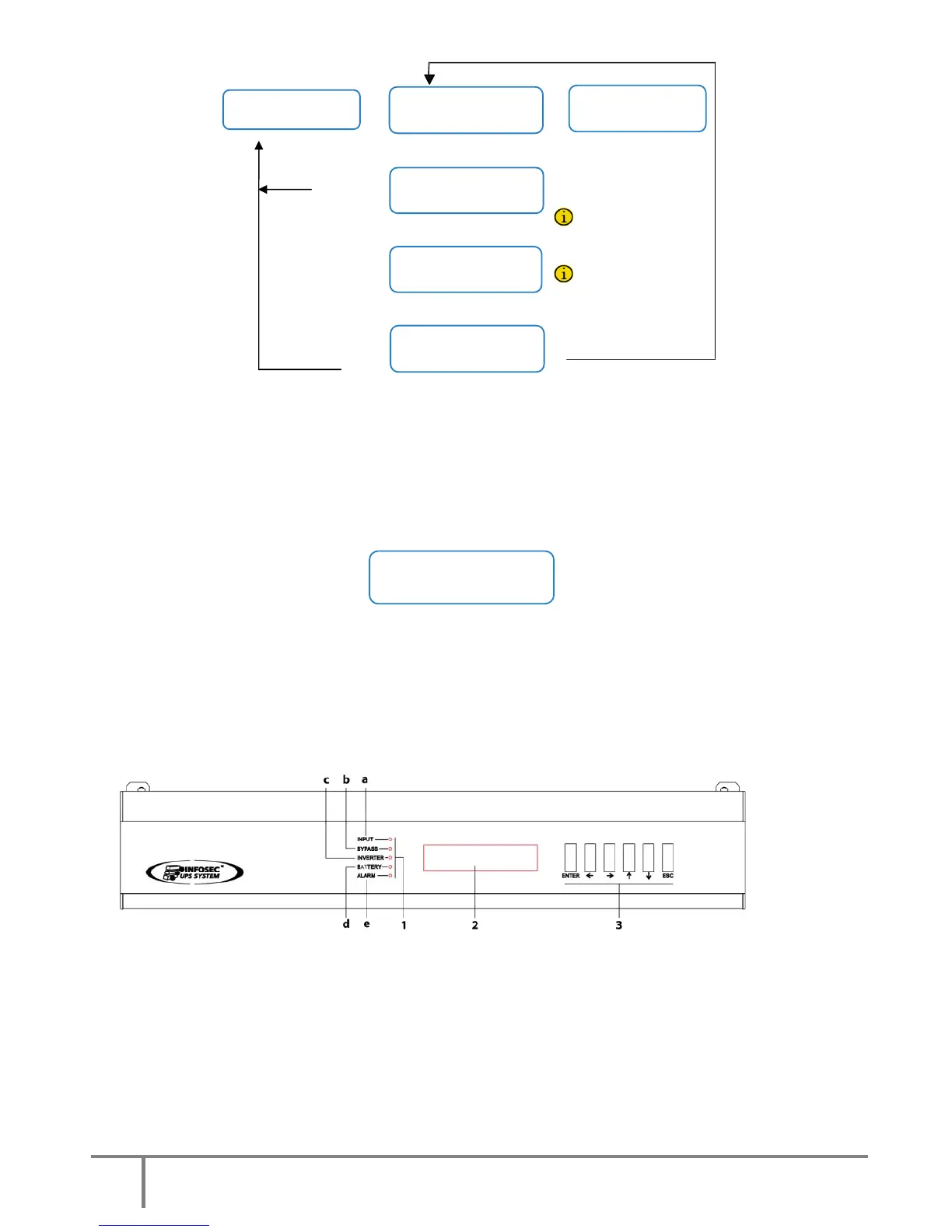
Fig.18. Procedure start-up / shutdown.
Before continuing, make sure the LED indicator light (c) “Inverter is working” is lit (green), and (b) Unit on
Bypass is turned OFF (see Fig. 19). Otherwise please contact the S.T.S. (Service and Technical Support).
Once the rectifier is fully working, it starts a process of equalisation (DC bus voltage starts to equalize with
battery voltage). After a few seconds (depending on the battery level), an alarm message like this ...
Screen 4.*
…indicates that the equalising process is complete, and NOW AND ONLY NOW can the battery cabinet (Q8)
fuse holder switch and/or battery fuse holder switch or UPS switch (Q3) be turned on.
DO NOT TRY to close any battery fuse holder switch at any other moment, because this operation could
damage the equipment and/or potentially cause an accident. They can only be turned on by following the
aforementioned steps.
Fig.19. Control panel (PC) LED indications
If the system has outgoing distribution protections, switch them “On”.
Start up the loads to be supplied in a progressive way. The system is fully started, and the loads are
protected by the UPS.













 To Next Page