30
INFOSEC UPS SYSTEM - 4, rue de la Rigotière - 44700 Orvault - FRANCE - www.infosec-ups.com
Hot Line – Tel + 33 (0)2 40 76 15 82 - Fax + 33 (0)2 40 94 29 51 - hotline@infosec.fr – 03 11 AA AA 201 18
Origin of the output:
- “OFF” No voltage supplied at the output (either EPO pressed, or severe problem on the unit).
- “Invert” Inverter voltage is supplied at the output. Loads are protected.
- “Bypass” Bypass voltage is supplied at the output. Either the unit is manually stopped, or overloaded,
or other possible problems on the inverter.
Information about the unit’s configuration (single or parallel) is shown in the second row:
Configuration and status of the unit:
- “Single:” “Single” connection.
- “Parallel-Single” Parallel connection. Unit is in “single” status.
- “Parallel-Master” Parallel connection. Unit is in “master” status.
- “Parallel-Slave” Parallel connection. Unit is on “slave” status.
Examples:
a) b)
Screen 0.2: Internal firmware versions of both Digital Signal Processor (“DSP Ver:”) and microcontroller
(“uC Ver:”). On the sample screen, “ver. 3.2 a” and “ver. 2.4 b” respectively.
Screen 0.3: UPS Serial Number, expressed with 10 characters. Possible characters ranges are “0”-“9”,
“A”-“Z” and also “ ” (blank space), “-”. See sample screen.
6.3.2 ‘‘UNIT CONTROL & STATUS” Level (screen menu 1.0).
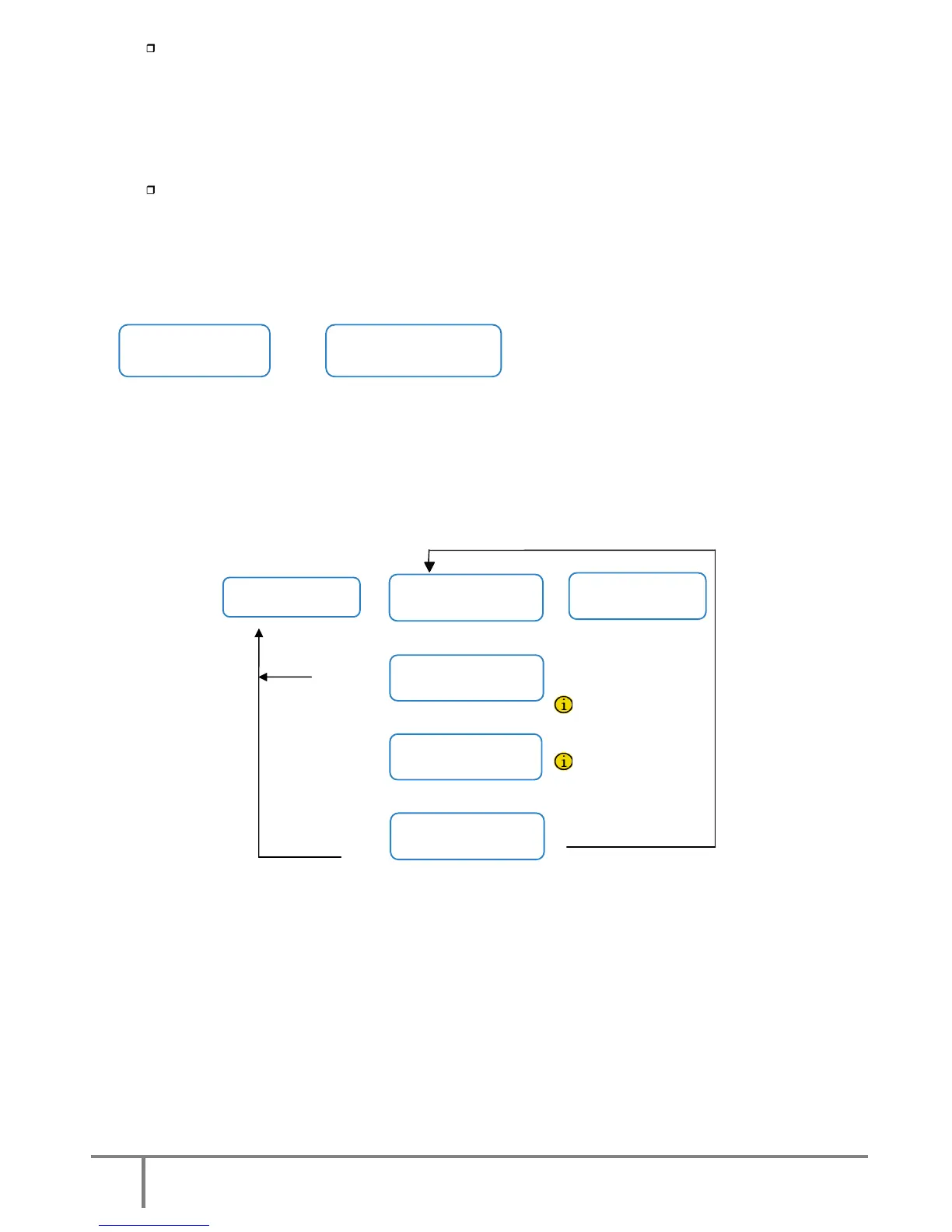
Fig.24. Procedure start-up / shutdown.
Screens 1.1, 1.3 and confirmation screen (1.2 / 1.4): to start and stop the unit through the control
panel.
See chapters 5.1.2 and 5.2 for the starting and stopping procedure.
Screen 1.5 and confirmation screen (1.2 / 1.4): to order a battery test. Information about the battery
test is given on the second row. Possible messages:
“NOT AVAILABLE“: The battery test is not available.
“PRESS <ENTER>“: Press <ENTER> to run the battery test.
“EXECUTING“: The battery test is running.
“SUCCESSFUL“: The battery test was successful.
“NOT SUCCESSFUL”: The battery test was not successful.













 To Next Page