28
INFOSEC UPS SYSTEM - 4, rue de la Rigotière - 44700 Orvault - FRANCE - www.infosec-ups.com
Hot Line – Tel + 33 (0)2 40 76 15 82 - Fax + 33 (0)2 40 94 29 51 - hotline@infosec.fr – 03 11 AA AA 201 18
Setting values. Press key (ENT) to activate the function setting, the figures in the screen flash. With
keys (
)-() the character to set is selected and with keys ()-() the value is selected. To confirm
press (ENT). The next field will flash. To continue with the settings proceed in the same way or press
(ESC) to return to no-setting situation.
Validation of orders or commands.
Press key (ESC) on any screen of any submenu, to return to main screen (Screen 0.0), unless on a screen
of a “Parameters” menu and setting any of them. If so, the first pulsation of key (ESC) will stop the
flashing value, and a second time to return to main screen.
Notes related to the screen map (see figure 21):
Some screens have a certain number of “–” characters. Each one represents a character so the
maximum length of the field will be determined by their number.
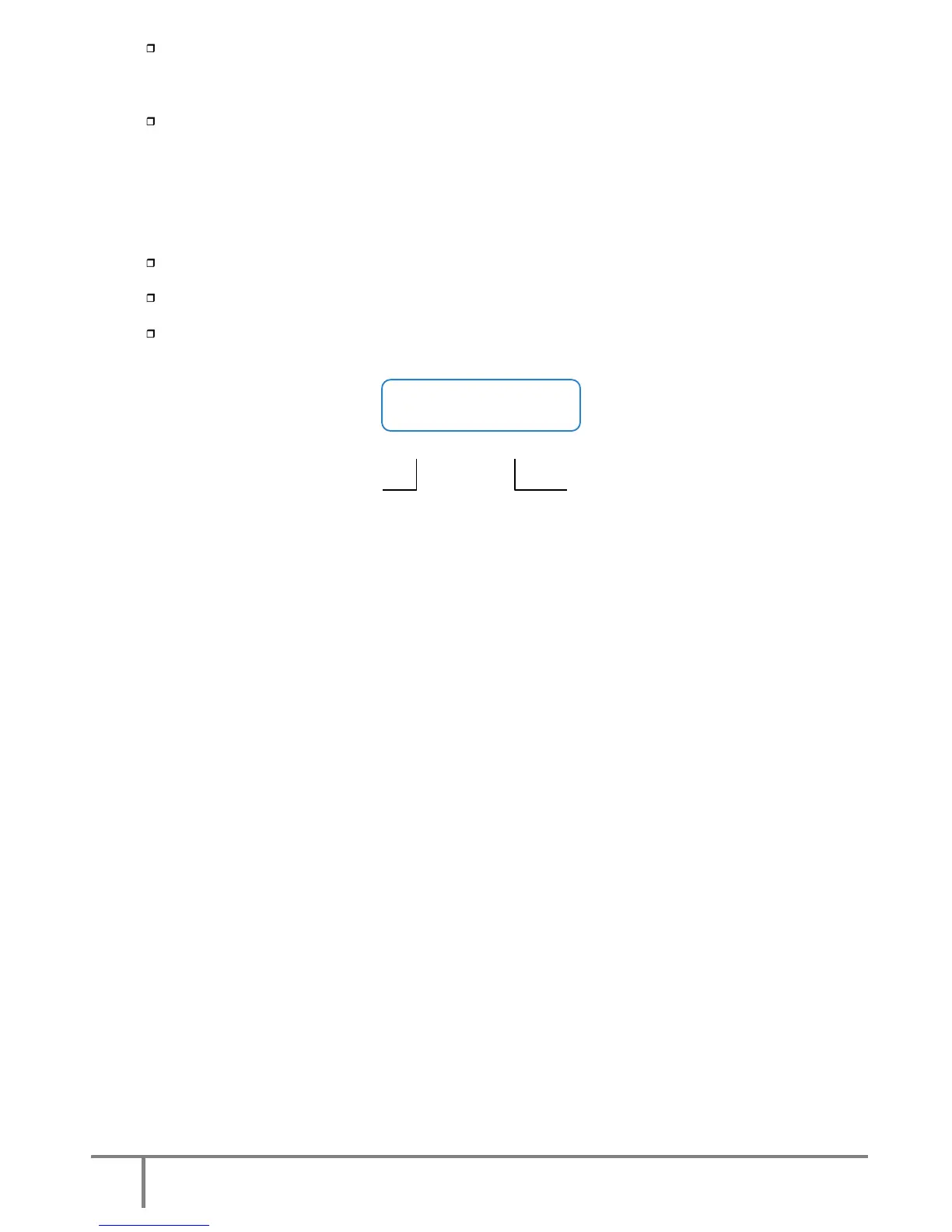
Each screen is labelled with a number located to the right bottom corner. It is only included as a simple
reference for the next description and explanation.
Note (*1): means the hidden programming screens through the password (*****) in “screen 1...”.
This safety level prevents unauthorised staff from altering or modifying setting.
Fig.21. Notes related to the screens.
6.2.1 Message menus and classification in submenus.
Use (
) and () keys to choose between different menus (0.0, 1.0,…7.0).
Use (
) and () keys to move inside submenu screens.
<ENT> TO CONFIRM
<ESC> TO CANCEL
(*1)
Screen 1.2
Safety level Screen numbering













 To Next Page