Programming the SmartLink-GP 25
Programming manual
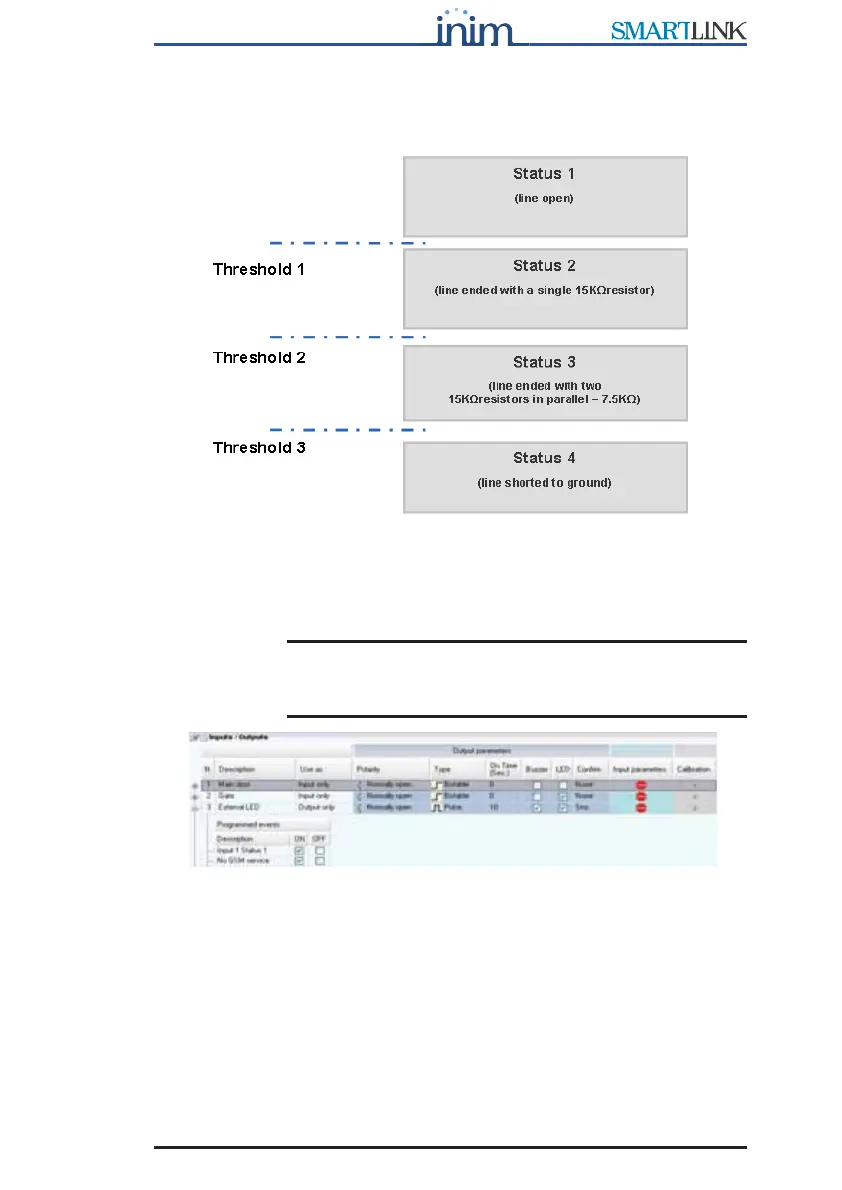
Input default settings
The SmartLink-GP input default settings determine the following conditions:
The default settings allow management of the normally closed (or open)
contacts and the terminated line (EOL or DEOL), typical of intrusion control
panels. See paragraph 3.8 Programming the SmartLink-GP as an Intrusion
control panel.
Note: To view the events associated with input status change,
expand the structure by selecting ‘+’ next to the input
number:
3.7.2 Outputs
The Open-Collector, pulse or bistable outputs can also be programmed to
activate the external LEDs or buzzer. In this case, they will operate with
specific characteristics.
The outputs can be activated by:
• events generated by status changes on other outputs, or by internal
events
• incoming calls from recognized phone numbers
• incoming SMS text messages containing commands
• DTMF tone sequences



 To Next Page