Installation manual
Installation 23
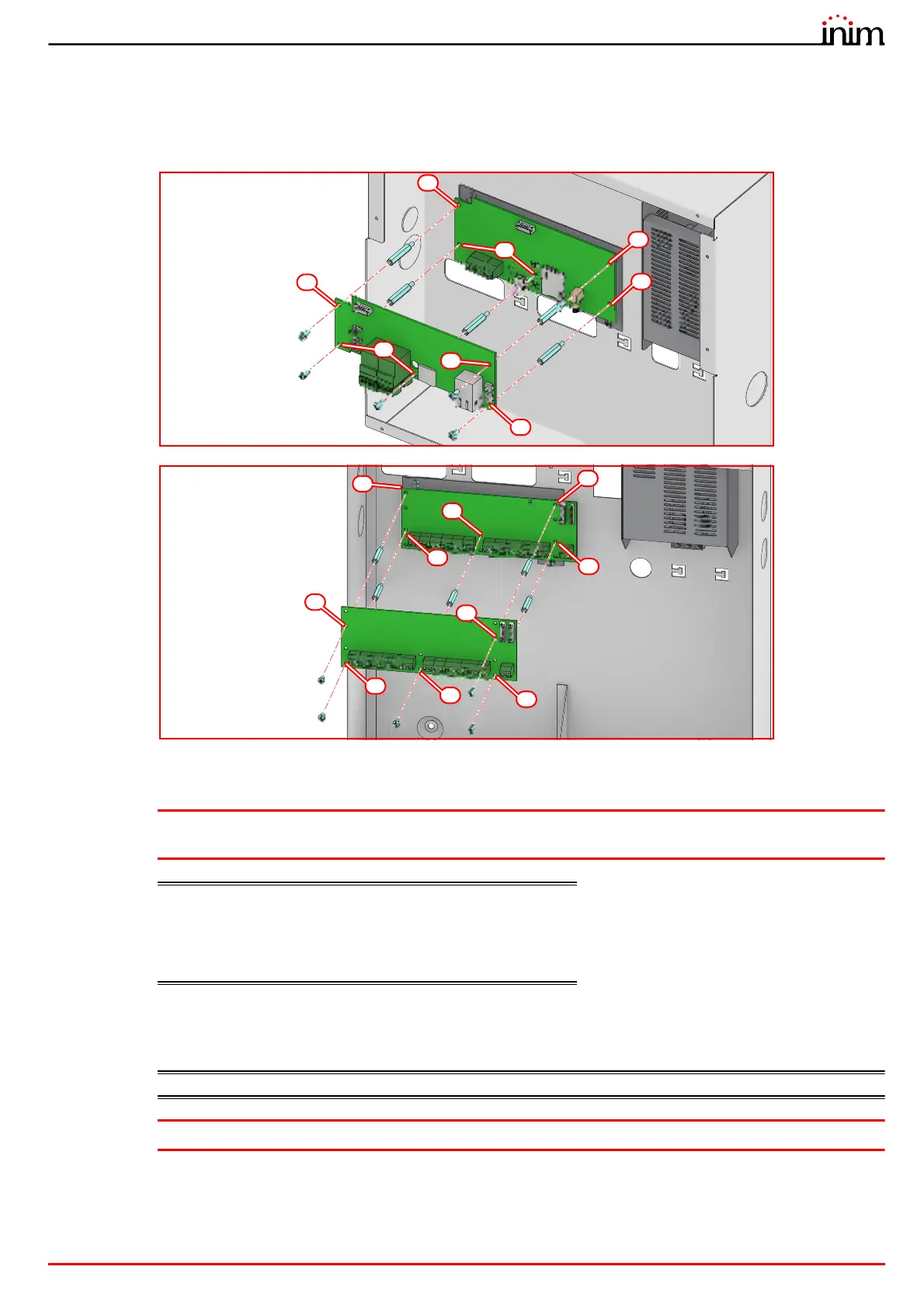
In the case of installation of several PREVIDIA-M-EXP modules, only one of them should be connected to the
motherboard (paragraph 2.2 - [O]), whilst the others should be connected one to the other (paragraph 2.6 - [A]).
5. Complete the external connections.
6. Replace the plastic support and replace the lid.
3.3 Control panel wiring
Attention: Take care to remove all sources of power, including the batteries before starting any wiring
operations.
Cables: The cables used for the wiring of the product must have an
adequate section and comply with the IEC 60332-1-2 or IEC
60332-2-2 standards.
The ends of wires must not be soft soldered in points where
they are subject to clamping.
3.3.1 Mains connection
EN54: The power-supply system of Previdia Micro control panels is EN54-4 compliant.
Attention: Do not power up the system with a non-compliant voltage.



 To Next Page