NV9 USB Manual Set – Section 1 3
Copyright © Innovative Technology Ltd 2012 GA00550-2
1. QUICK START AND CONFIGURATION GUIDE
This section is one part of a complete manual set: most users should use this section
of the manual - typical users are software engineers looking at how to make it work,
project engineers evaluating their first unit, or installation engineers installing the unit
into a host machine.
This section contains the essential information that a user needs to quickly assemble
and configure the NV9 USB validator ready for installation into the host machine.
The NV9 USB validator is pin for pin compatible
with the NV7 / NV8 / NV9 / NV10 series of
validators, but NOT with earlier versions of the
product (NV2 – NV5).
1.1 Assembly
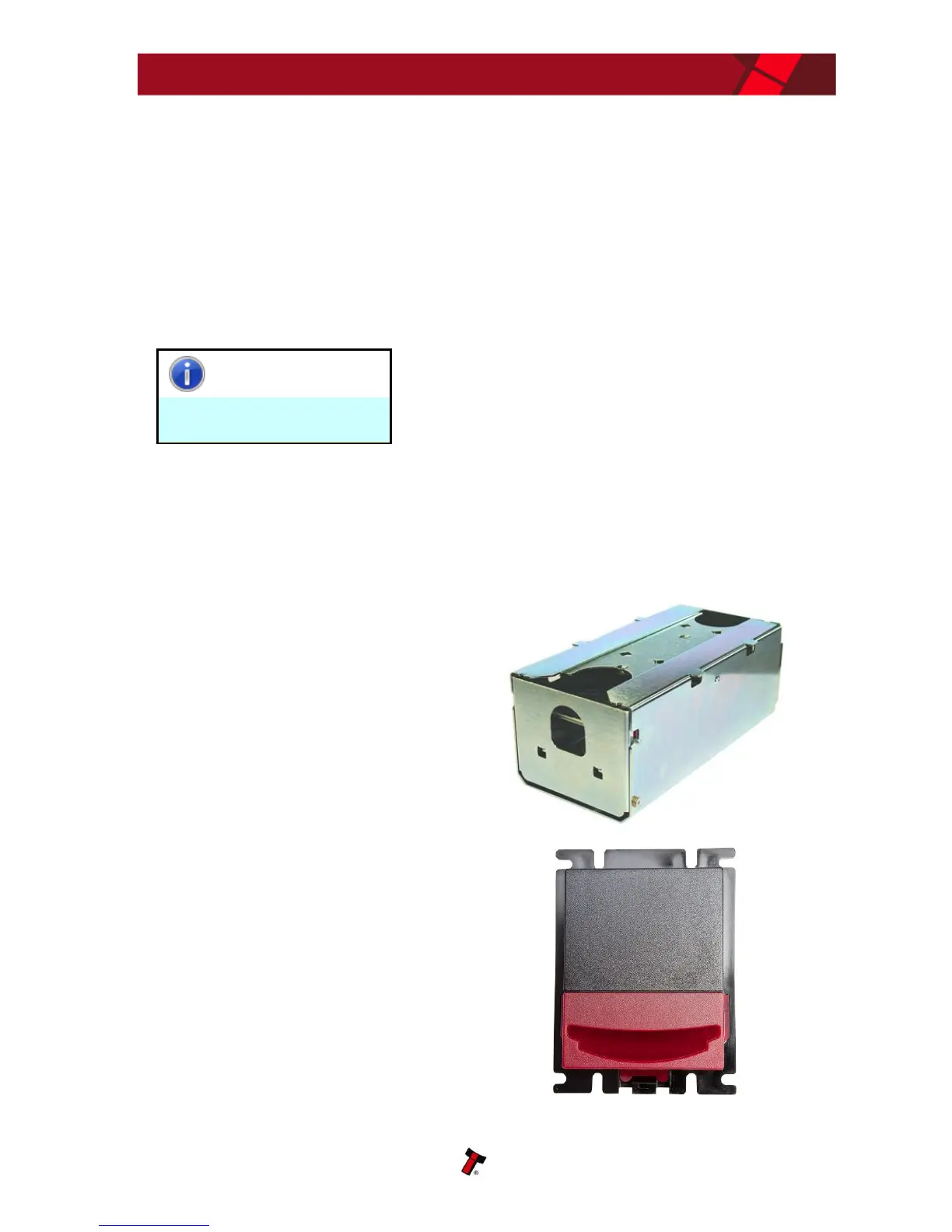
Installing the NV9 USB is a simple operation; the validator can be installed vertically
or horizontally, depending on the type of cashbox fitted or orientation needed:
1. If the validator is fitted with
a clip-on cashbox, then the
validator will be mounted
VERTICALLY
2. The validator is secured in
the host machine using a
suitable vertical bezel















 To Next Page