39
Moving between machines
Product Support: www.instron.com
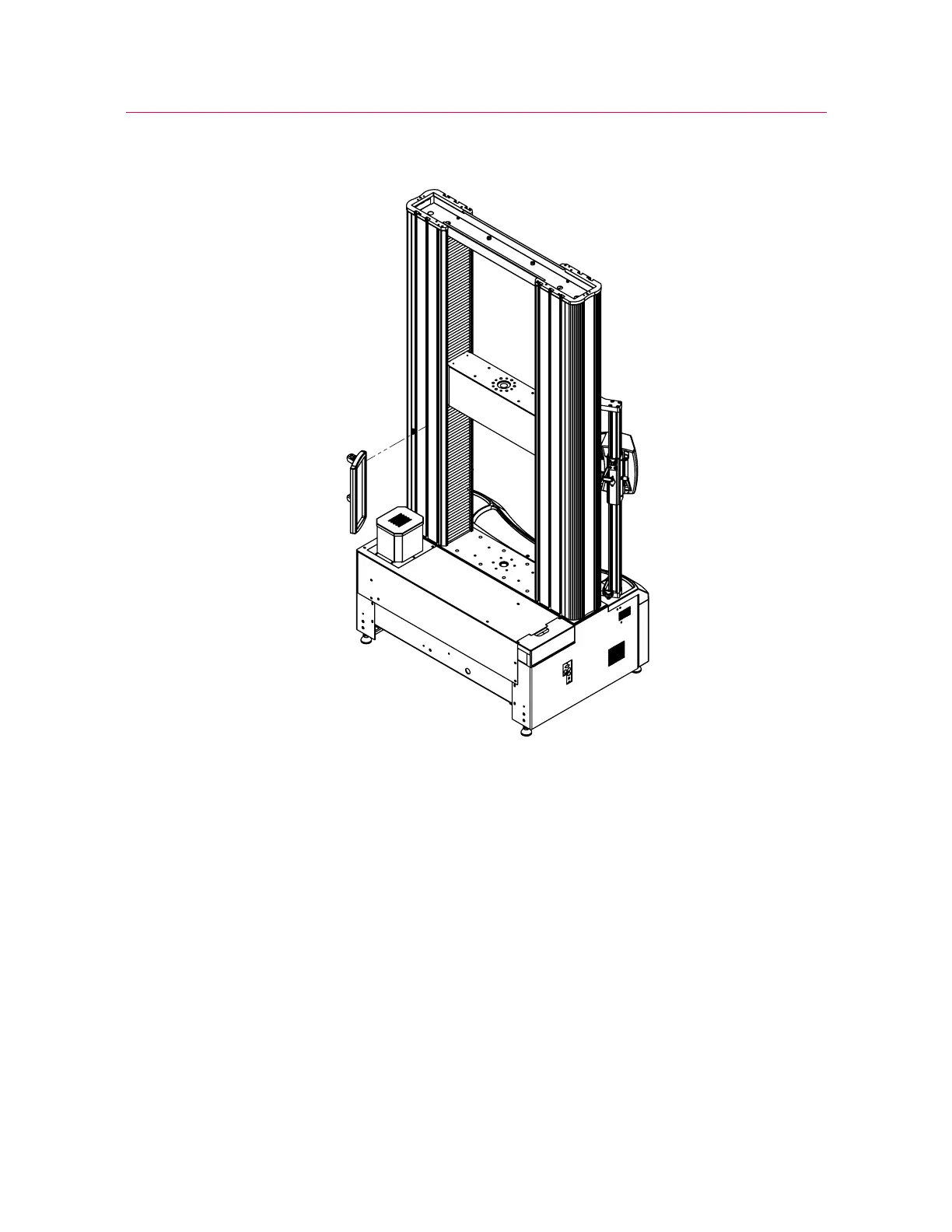
Figure 14. Installation shown on a 5980 Series testing system
Figure 15 on page 40 shows the footprint dimensions of the AverEdge32™
configuration on a 5980 Series testing system, including the back screen (1). Note that
the mounting bracket and back screen are installed in the second T-slot from the outer
edge of each column.



 To Next Page