En-47
8� Miscellaneous
Firmware Update
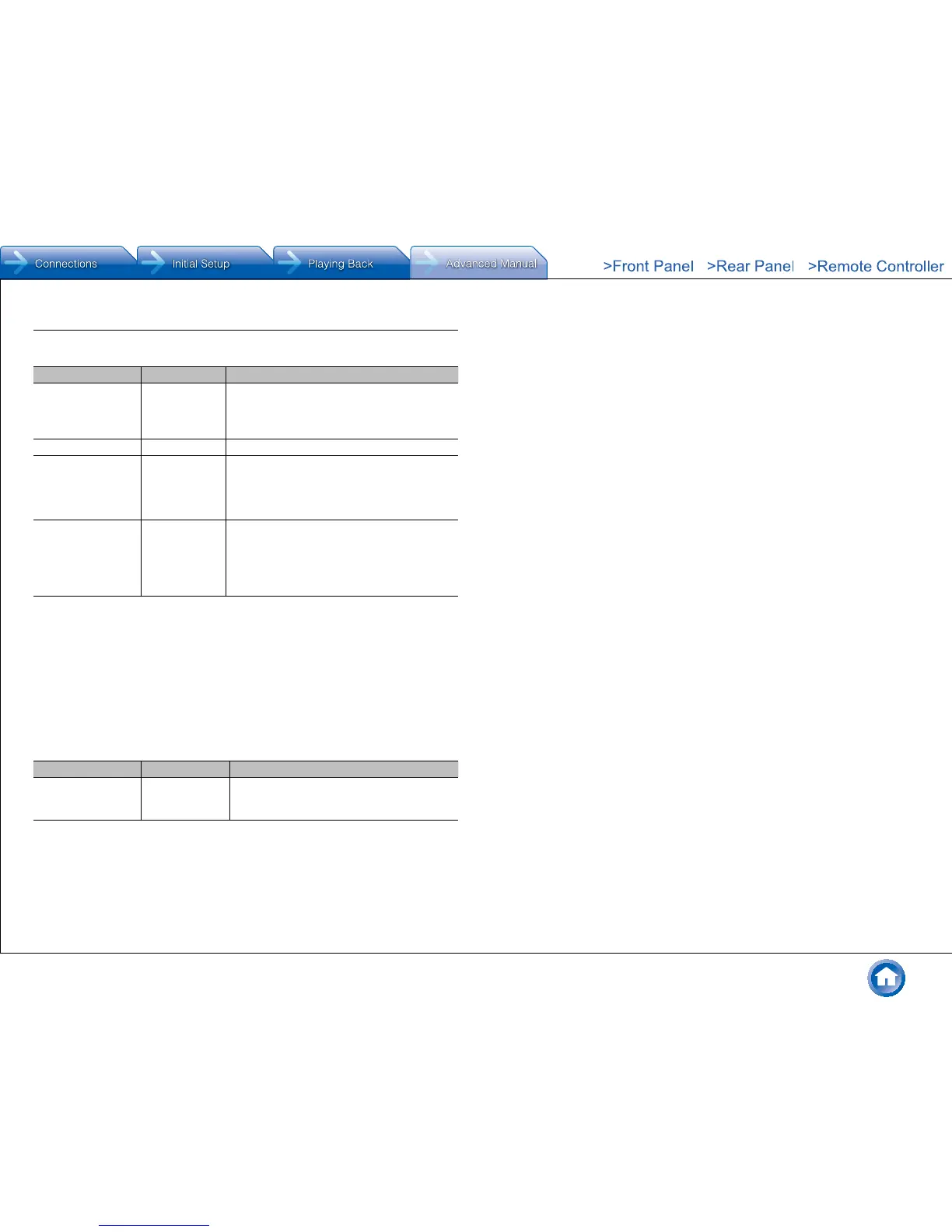
Setting Item Default Value Setting Details
Update Notice Enable Availability of a firmware update will be notified
via network�
"Enable": Notify updates
"Disable": Do not notify updates
Version – The current firmware version will be displayed�
Update via NET – Press Enter to select when you want to update
the firmware via network�
● You will not be able to select this setting if
you do not have Internet access or there is
nothing to update�
Update via USB – Press Enter to select when you want to update
the firmware via USB�
● You will not be able to select this setting if
a USB storage device is not connected or
there is nothing to update in the USB storage
device�
● Wait for a while if "Firmware Update" cannot be selected� It will appear when the network function is
started up�
Initial Setup
You can make the initial setup from the setup menu�
● Wait for a while if "Initial Setup" cannot be selected� It will appear when the network
function is started up�
Lock
Setting Item Default Value Setting Details
Setup Parameter Unlocked Lock the Setup menu to protect the settings�
"Locked": The menu is locked�
"Unlocked": The menu is unlocked�



 To Next Page