En-46
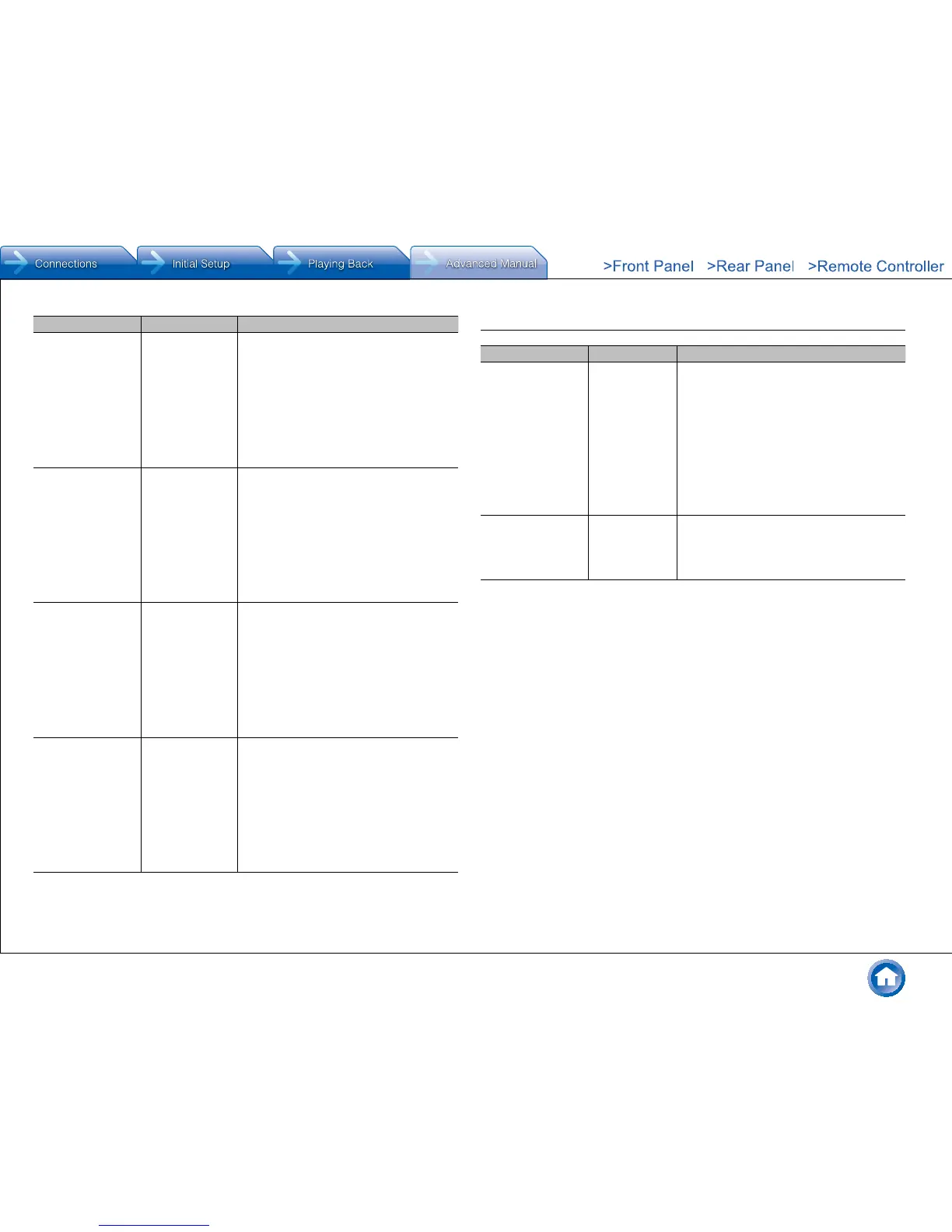
Setting Item Default Value Setting Details
TV Main/Zone2 Set the 12V trigger output setting to each
input�
"Off": No output
"Main": Output when "TV" is selected as input
for main room�
"Zone2": Output when "TV" is selected as
input for ZONE2�
"Main/Zone2": Output when "TV" is selected
as input for main room or ZONE2�
TUNER Main/Zone2 Set the 12V trigger output setting to each
input�
"Off": No output
"Main": Output when "TUNER" is selected as
input for main room�
"Zone2": Output when "TUNER" is selected
as input for ZONE2�
"Main/Zone2": Output when "TUNER" is
selected as input for main room or ZONE2�
NET Main/Zone2 Set the 12V trigger output setting to each
input�
"Off": No output
"Main": Output when "NET" is selected as
input for main room�
"Zone2": Output when "NET" is selected as
input for ZONE2�
"Main/Zone2": Output when "NET" is selected
as input for main room or ZONE2�
BLUETOOTH Main/Zone2 Set the 12V trigger output setting to each
input�
"Off": No output
"Main": Output when "BLUETOOTH" is
selected as input for main room�
"Zone2": Output when "BLUETOOTH" is
selected as input for ZONE2�
"Main/Zone2": Output when "BLUETOOTH" is
selected as input for main room or ZONE2�
7� Remote Controller
Setting Item Default Value Setting Details
Remote ID 1 Select an ID for the unit's remote controller from
"1", "2", and "3" to prevent interference between
the unit and other Integra/Onkyo components
that are installed in the same room� After
changing the ID on the main unit, change the
ID on the remote controller accordingly with the
following procedure�
1� While holding down Receiver, press and
hold Setup for about 3 seconds until the
remote indicator lights�
2� With the number buttons, press one of 1, 2,
and 3� The remote indicator flashes twice�
Remote Mode – Input and register the remote controller code of
other devices�
● For registration of the remote control code,
refer to the next section, "Operating Other
Components with the Remote Controller"�



 To Next Page