41
Audio Adjust
3. Audio Adjust Setup menu
Set the various parameters for the sound signals.
Surround L/R: This outputs the sound to the surround left and
right speakers as normal and outputs nothing to the surround
back speaker.
Surround Back: This outputs the sound to the surround back
speakers and outputs nothing to the surround left and right
speakers.
Surr L/R+Back: This outputs the sound to both the surround
left and right speakers and the surround back speaker.
Note:
If the Surr Back Out setting in the Speaker Config sub menu is set to
“1ch,” the Surround Speakers sub menu is disabled.
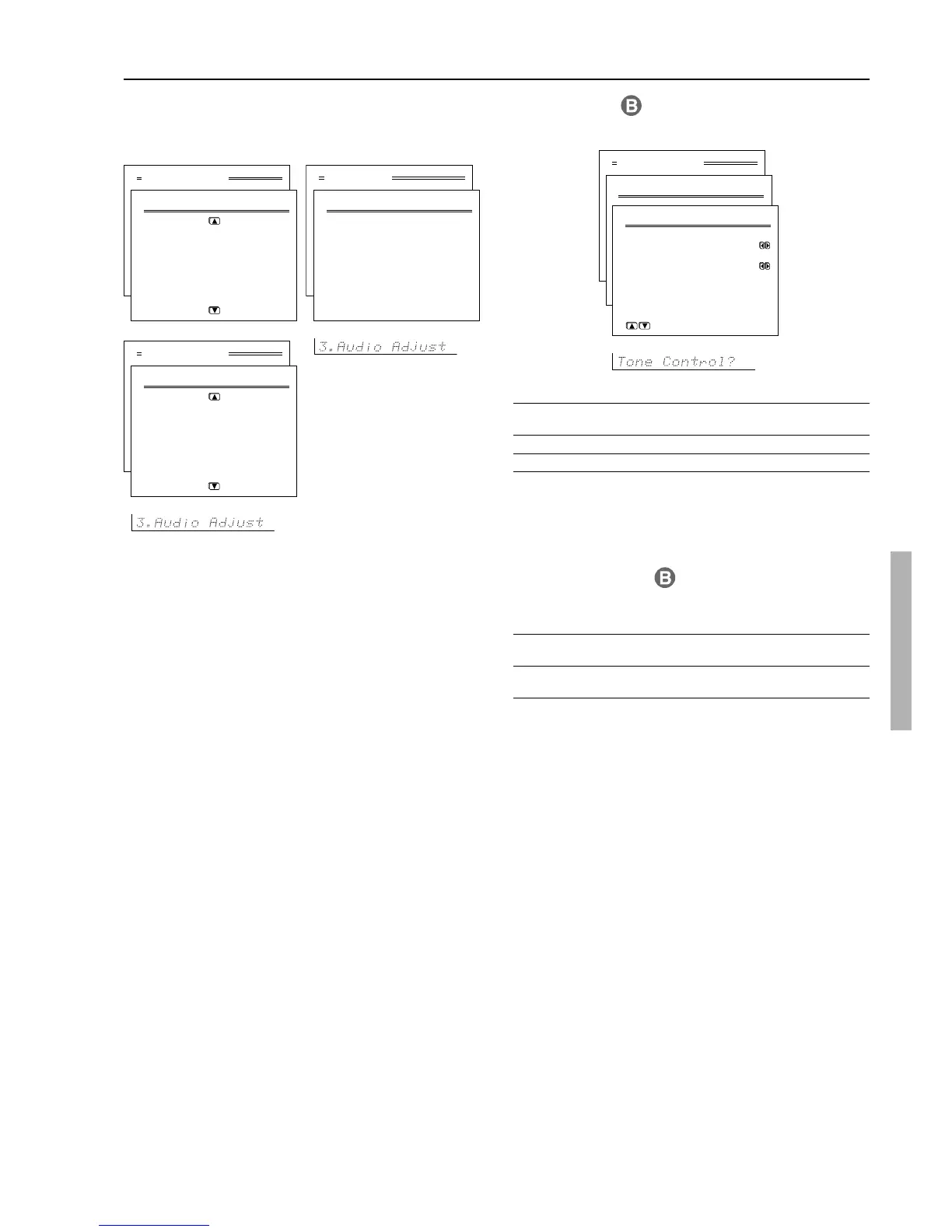
3-1. Tone Control
Separately adjust the bass and treble settings as desired in 2-decibel
units.
Note:
If Direct or THX is selected as the listening mode, these settings
cannot be made. To make these settings, first select another listening
mode.
3-2. Surround Speakers
This setting allows you to decide which speakers to output to when
surround back speakers are connected and you are playing back a
5.1-channel source.
Parameter Setting
Initial value
a Surround Speakers Surround L/R, Surround Back, Surround L/R
Surr L/R + Back
Parameter Setting
Initial value
a Bass –12 to +12 0
b Treble –12 to +12 0
Basic Menu
3.Audio Adjust
1.Tone Control
2.Surround Speakers
3.Sound Effect
→
default
Advanced Menu
3.Audio Adjust
1.Tone Control
2.Surround Speakers
3.Sound Effect
4.Delay
5.LFE Level
6.Mono Setup
7.Theater-Dimensional
8.Surround Setup
Advanced Menu
3.Audio Adjust
9.THX Setup
10.Mono Movie Setup
11.Enhanced 7 Setup
12.Orchestra Setup
13.Unplugged Setup
14.Studio Mix Setup
15.TV Logic Setup
→
default
Advanced Menu
3.Audio Adjust
3-1.Tone Control
a.Bass : 0
b.Treble : 0
Quit:|SETUP|



 To Next Page