144
Zone 2 and Zone 3—Continued
Selecting an Input Source for Zones
Notes:
• To select AM or FM, press the [Tuner] input selector
button repeatedly. On the North American model, you
can also select XM or SIRIUS.
• Only analog input sources are output by the ZONE 2
PRE OUT, ZONE 3 PRE OUT and Zone 2 L/R
speaker terminals. Digital input sources are not out-
put. If no sound is heard when an input source is
selected, check if it’s connected to an analog input.
• While Powered Zone 2 is being used, listening modes
that need surround back speakers (i.e., Dolby Digital
EX, DTS-ES, and THX Ultra2 Cinema) are unavail-
able.
• While Zone 2 or Zone 3 is on, the Auto Power On/
Standby and Direct Change u functions do not
work.
• You cannot select different AM or FM radio stations
for your main room, Zone 2, and Zone 3. The same
AM/FM radio station will be heard in each room.
• On the North American model, you can select a differ-
ent radio source for each room. For example, XM for
your main room, SIRIUS for Zone 2, and AM/FM for
Zone 3.
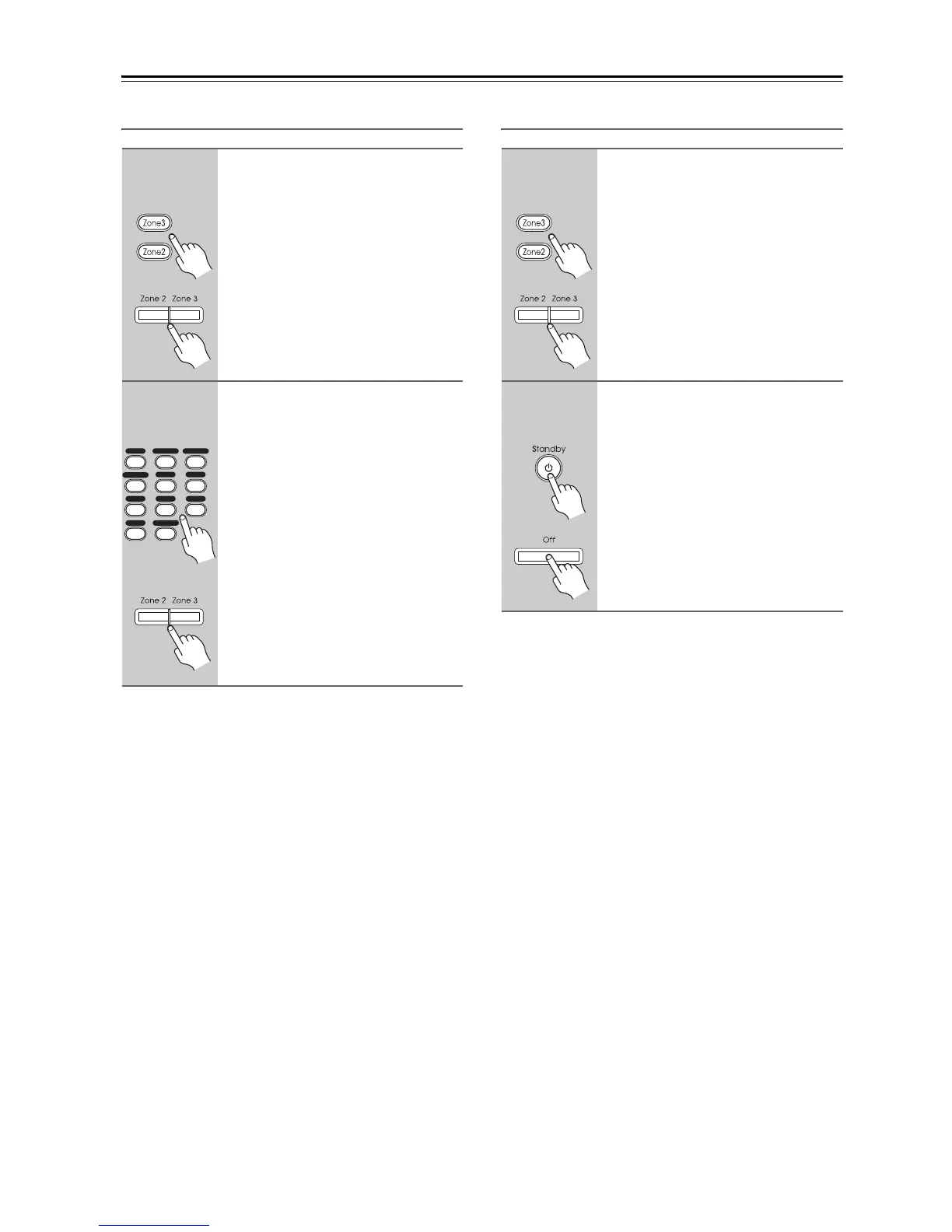
Turning Off Zones
1
Remote
controller
AV receiver
On the remote controller, press
the [Zone2] or [Zone 3] Remote
Mode button.
On the AV receiver, press the
[Zone 2] or [Zone 3] button.
The Zone 2 or Zone 3 indicator flashes,
and the input selector currently selected
for the zone appears on the display.
2
Remote
controller
or
AV receiver
On the remote controller, use the
Input Selector buttons.
On the AV receiver, use the input
selector buttons, or press the
[Zone 2] or [Zone 3] button
repeatedly.
The input source is selected, the zone is
turned on, the name of the input selec-
tor appears on the display, and the
Zone 2 or Zone 3 indicator lights con-
tinuously.
You can also use the AV receiver’s
Input Selector buttons.
+10
0
123
456
789
VCR
/
DVR CBL
/
SAT
DVD
Tape
Tuner
CD
Phono Net/USB
Game
/
TV
AUX 1 AUX 2
1
Remote
controller
AV receiver
On the remote controller, press
the [Zone2] or [Zone 3] Remote
Mode button.
On the AV receiver, press the
[Zone 2] or [Zone 3] button.
The Zone 2 or Zone 3 indicator flashes.
2
Remote
controller
AV receiver
On the remote controller, press
the [Standby] button.
On the AV receiver, press the
[Off] button.
The zone is turned off, and the Zone 2
or Zone 3 indicator goes off.



 To Next Page