50
First Time Setup—Continued
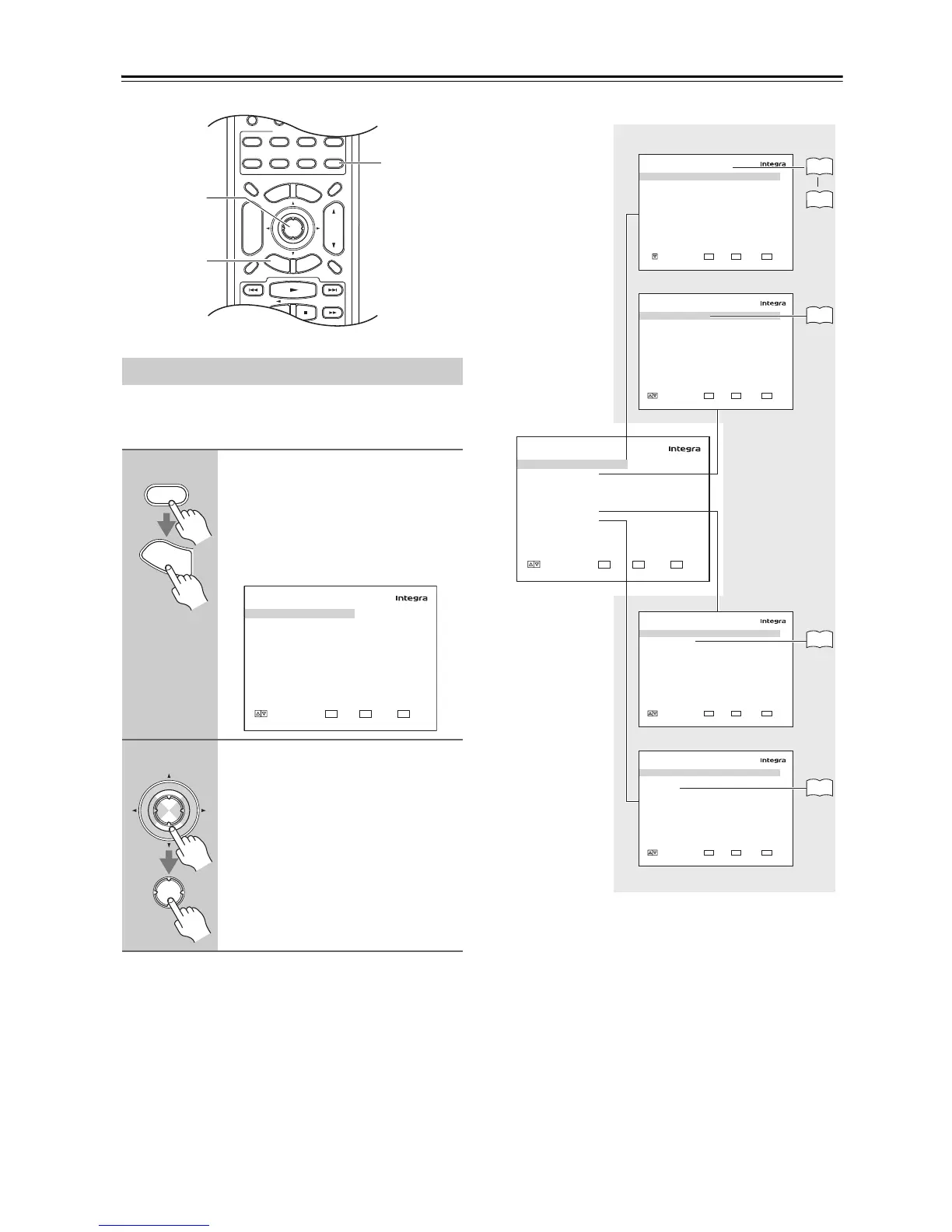
Carry out the settings for the AV receiver by using the
Onscreen Setup Menu.
■ Menus for First Time Setup
Using the Onscreen Setup Menus
1
Press the [Receiver] button fol-
lowed by the [Setup] button.
The main menu appears onscreen.
If the main menu doesn’t appear, make
sure the appropriate external input is
selected on your TV.
2
Use the Up and Down [q]/[w] but-
tons to select submenu and then
press [Enter].
The submenu appears.
Press the [Setup] button to close the
menu.
Press the [Return] button to return to
the previous menu.



 To Next Page