Intel Desktop Board D865GVHZ Technical Product Specification
106
4.4.4.1 SATA/PATA Submenus
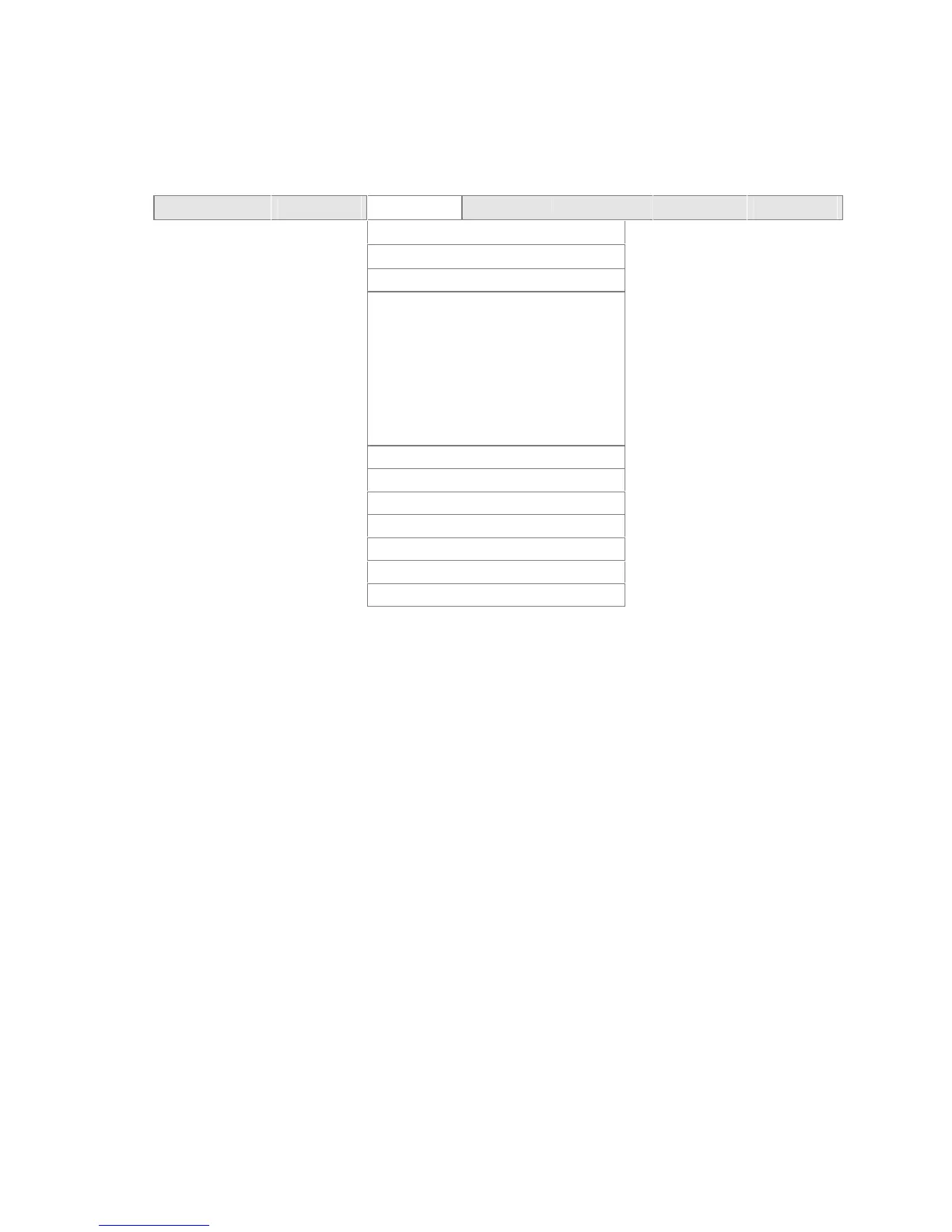
To access these submenus, select Advanced on the menu bar, then Drive Configuration, and then
the master or slave to be configured.
Maintenance Main
Advanced
Security Power Boot Exit
PCI Configuration
Boot Configuration
Peripheral Configuration
Drive Configuration
SATA Port-0
SATA Port-1
PATA Primary Master
PATA Primary Slave
PATA Secondary Master
PATA Secondary Slave
Floppy Configuration
Event Log Configuration
Video Configuration
USB Configuration
Chipset Configuration
Fan Control Configuration
Hardware Monitoring
There are six SATA/PATA submenus: SATA Port-0, SATA Port-1, PATA primary master, PATA
primary slave, PATA secondary master, and PATA secondary slave. Table 62 on page 107 shows
the format of the SATA/PATA IDE submenus. For brevity, only one example is shown.



 To Next Page