29
Setup Mode
Begin Setup Mode
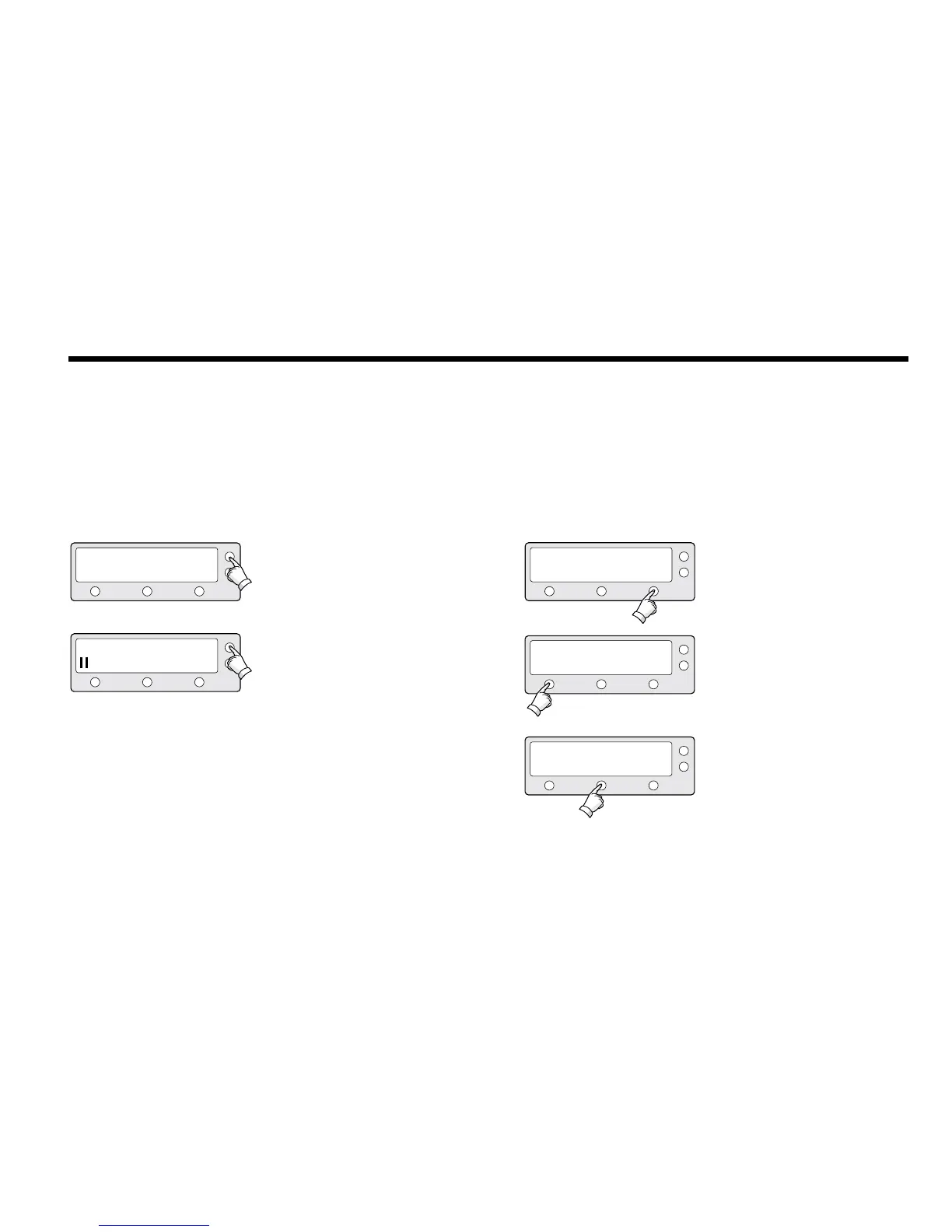
To enter the Setup Mode simply follow the instructions below:
1. While the antenna is tracking press SETUP
2. Press YES to enter setup mode.
3. Press YES to set the satellite pair.
TRACKING A: DTV101
TRACKING A: DTV101
TRACKING A: DTV101
SETUP MODE ?
SET SAT PAIR ?
B:DTV119 SETUP
B:DTV119 SETUP
B:DTV119 SETUP
YES
PREV
NO
NEXTYES
Sleep Mode
If the antenna has lost the tracked satellite while in sleep mode, sleep
mode will be canceled.
1. Press BACK to enter sleep mode.
2. Press BACK again to exit sleep mode.



 To Next Page
 Loading...











