v100GX – Marine Satellite Communication System
64
Antenna Diagnostic Test
Refer to the diagnosis codes for the test results.
Single diagnostic
test result
Full diagnostic test
Full diagnostic
test result
Diagnostic menu
Antenna menu
Setup mode
SETUP MO D E ?
YES NO
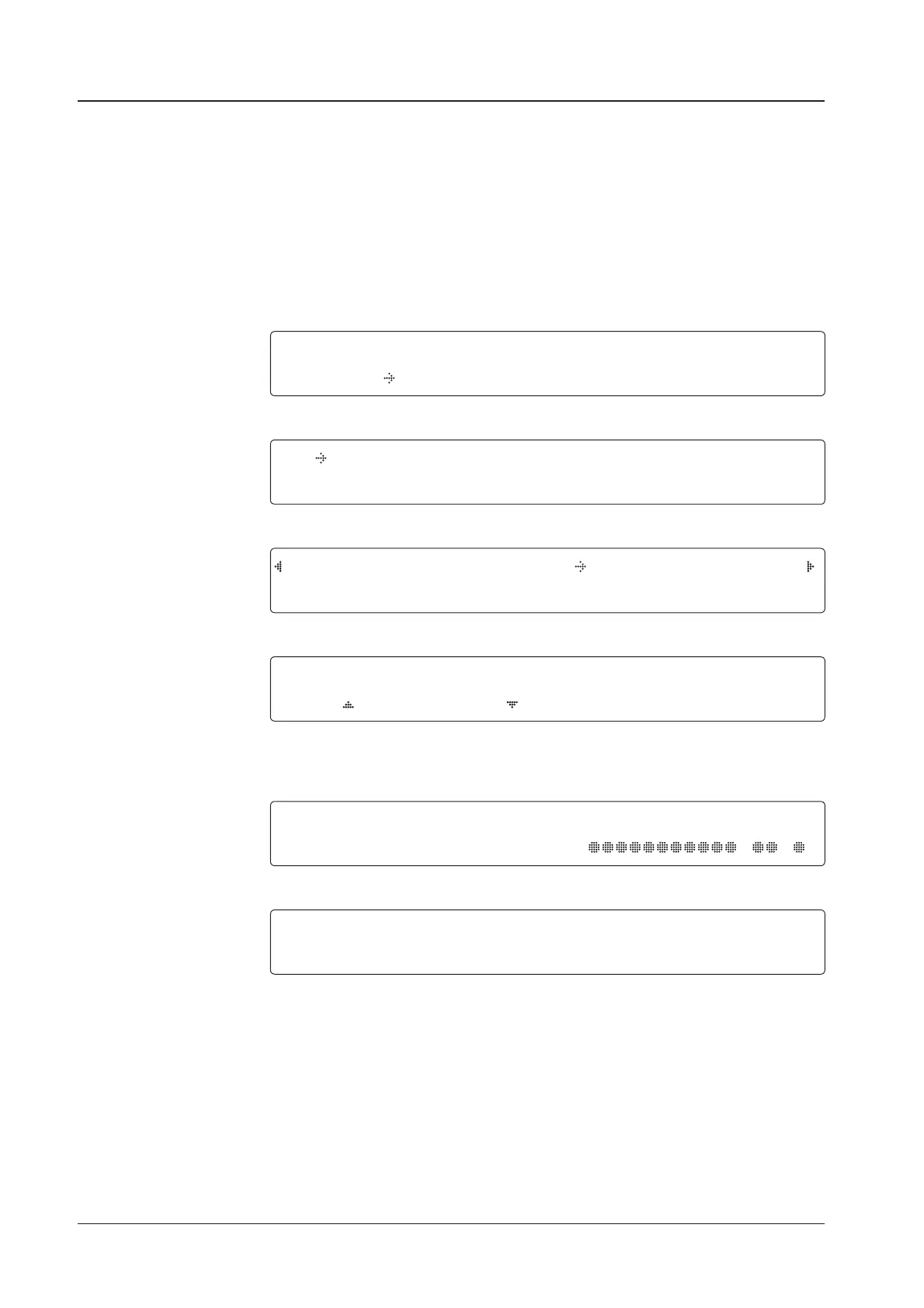
1. Touch LEFT arrow key to move cursor to YES and touch OK key to enter SETUP mode.
+ANTENNA +SATELLITE
+SYSTEM +INSTALLATION
2. Touch OK key to enter ANTENNA menu.
+BLOCK ZONE +DIAGNOSTIC
3. Touch arrow keys to move cursor to DIAGNOSTIC menu and touch OK key to enter it.
DIAGNOSTIC COMMUNICATION
FULL TEST READY
4. Touch UP and DOWN arrow keys to select a full diagnostic test or single diagnostic test
and touch OK key to execute the selected diagnostic test.
Menus for DIAGNOSTIC are FULL TEST and CODE 101 ~ CODE 116.
DIAGNOSTIC FULL TESTING
FULL TEST
- -
5. A full diagnostic is successfully completed.
DIAGNOSTIC COMMUNICATION
CODE 101 RESULT : PASSED
6. A single diagnostic test is successfully completed.


 To Next Page
 Loading...











