EncoreCX
Installation and Maintenance Manual
21
Mounting the Backplane
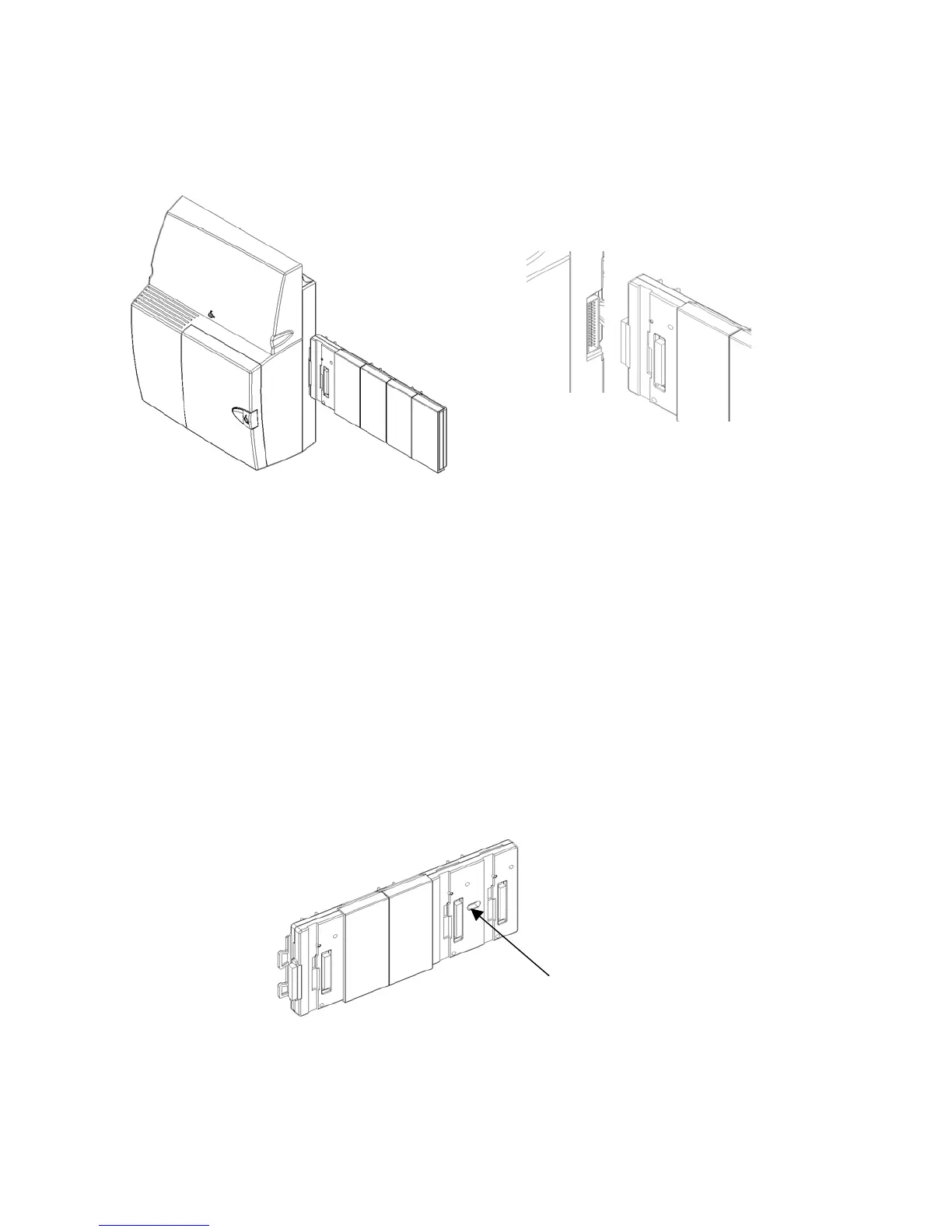
Slide the backplane on from the right-hand side.
Ensure the connector is fully mated with the CCU.
Securing the backplane to the wall bracket
A mounting screw is used to securely locate the backplane on the wall bracket. This provides additional
rigidity to ensure the backplane and CCU connectors do not move.
Remove the fourth and fifth cover from the backplane.
Locate the backplane on the bracket and connect it to the CCU.
The backplane must be fully connected to the CCU to correctly locate the mounting screw hole.
Insert the screw into the pillar on the bracket, which can be seen through the backplane mounting screw
hole.
Mounting screw
hole



 To Next Page