EncoreCX
Installation and Maintenance Manual
31
Connecting the battery
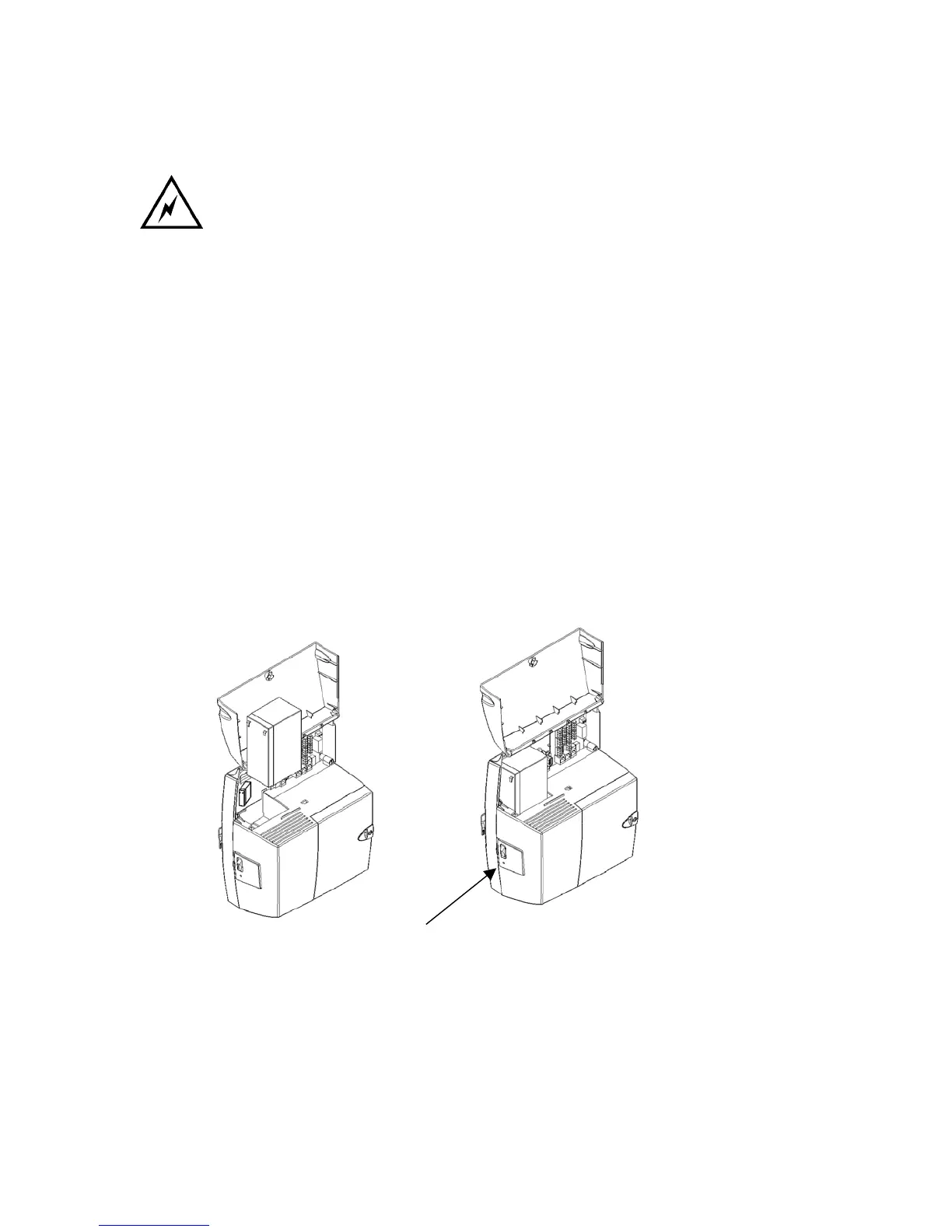
Ensure the battery switch on the BBU unit is turned off. This switch does not
turn off the main supply. The main AC power source is disconnected by
unplugging the main cord.
· Insert the battery into the battery cavity in the CCU.
· Connect the cables from the battery charger to the battery ensuring that the cables are
connected correctly. Red cable to red battery terminal, black cable to black battery terminal.
· Reconnect the main AC power source .
· Turn the battery charger switch on.
Light Emitting Diode (LED) Indicators
A status LED on the BBU is provided.
· GREEN indicates the unit is running from main AC power source and the battery is charging
or fully charged.
· ORANGE indicates the unit is running off the battery.
· RED indicates that the battery is discharged.
· Flashing RED indicates the battery is disconnected and the switch is running from the main.
Status LED



 To Next Page