EncoreCX
Installation & Maintenance Manual
46
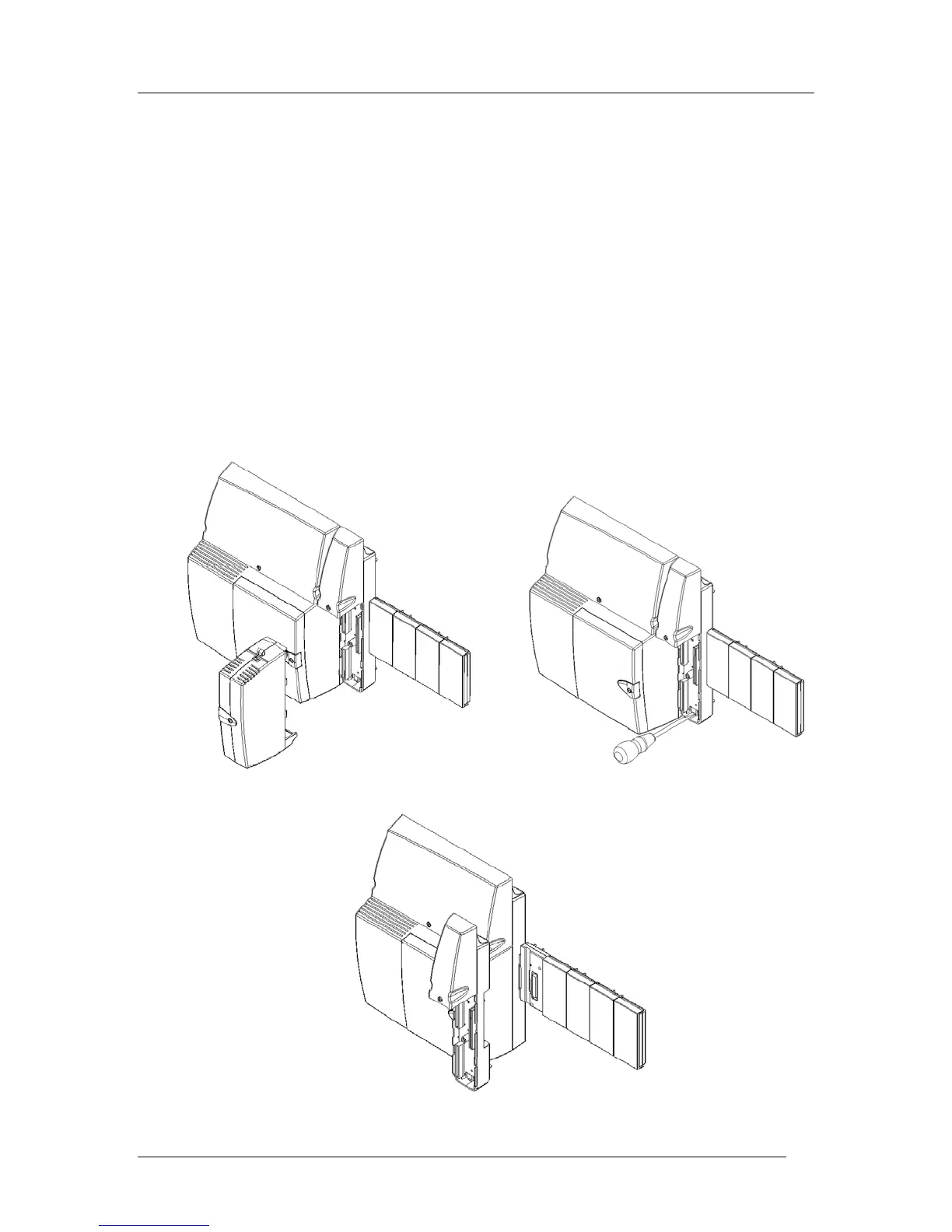
Replacing a faulty module MDF
To replace a faulty MDF of a Extension or Internet Router module, the procedure is:
1. Remove the cabling from the MDF, ensuring the cables are correctly tagged so they can be
readily reinstalled.
2. If a battery is installed, turn off the BBU switch to disconnect the battery.
3. Power the system down by unplugging it at the main AC power source.
4. Remove the module and any CO Line modules, if appropriate.
5. Unlock the MDF module by pulling the locking bar down with a screwdriver.
6. Remove the MDF.
7. Reverse the procedure to install a new MDF.



 To Next Page